
Description
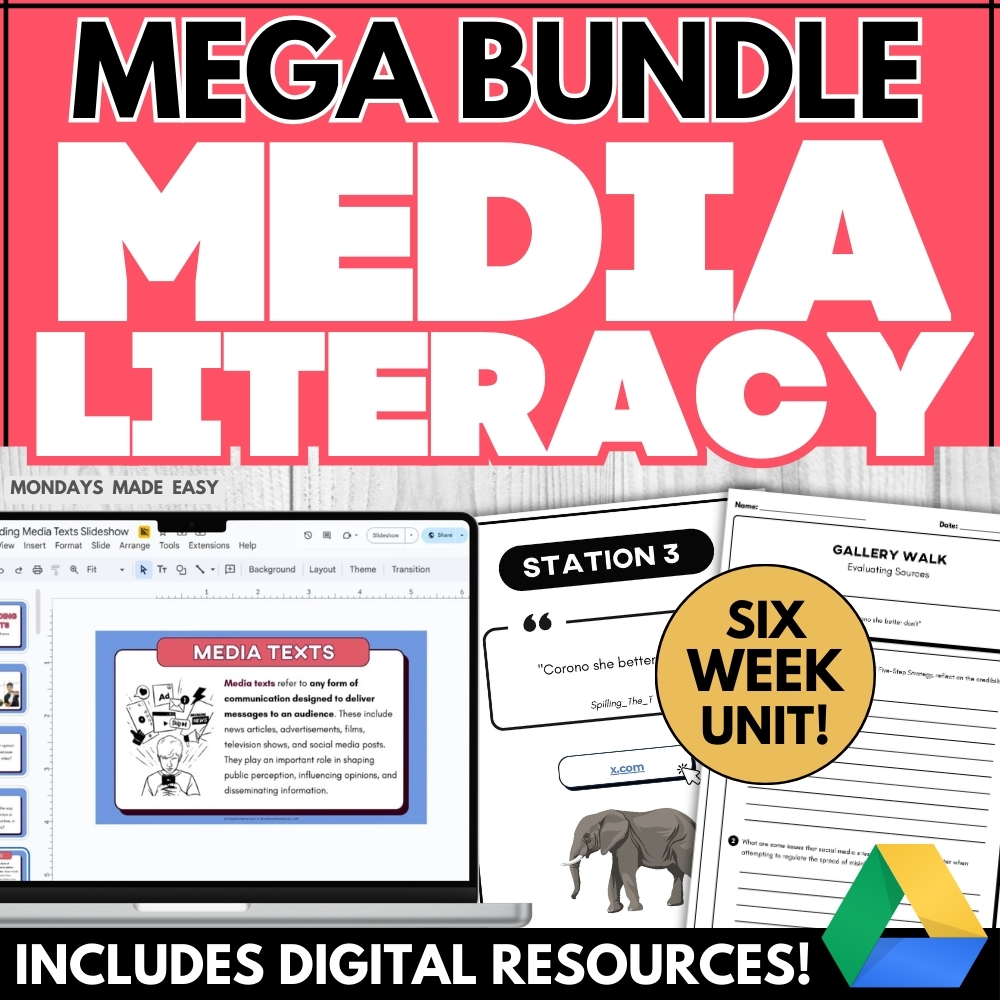
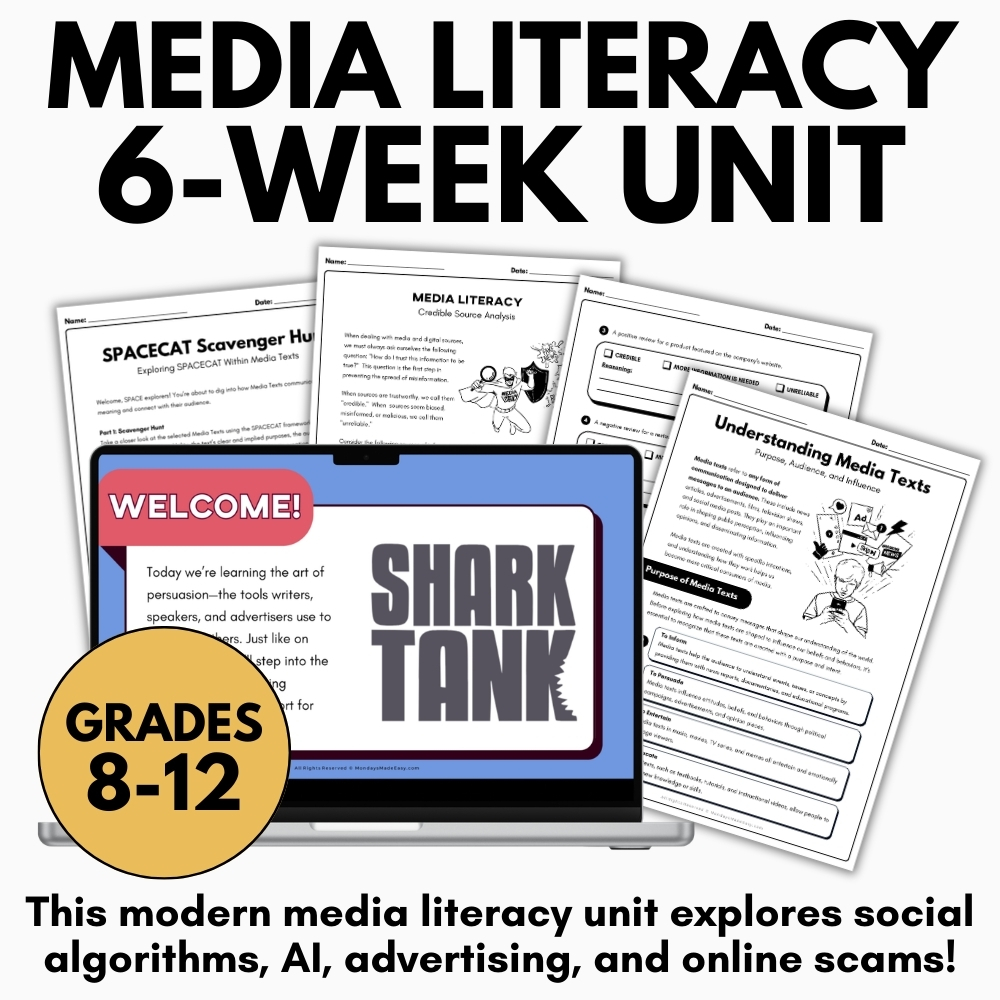
BRAND NEW in 2026 – includes social algorithms, AI, and online scams! This media literacy unit includes everything you need to teach high school students about media production, digital citizenship, and persuasive techniques in news and advertising. Includes digital resources for Google Drive®!
☄️ Save over 90% with this special bundle price and additional discounts!
Included with this Media Literacy Mega Bundle:
- 8 Interactive Slideshow Lessons – Google Slides®, Powerpoint, and PDF
-
- Explore fake news, media bias, and online scams with these vibrant and engaging slideshow lessons
- Learn about types of media texts, forms of advertisements, rhetorical analysis, and persuasive techniques with these vibrant and engaging slideshow lessons
- Detailed Informational Handbooks – Ready-to-Print
-
- Provide students with reference materials to help them spot misleading headlines, identify misinformation, navigate echo chambers, and protect their digital footprint
- Help students protect their digital footprint and avoid online scams with guidelines for digital boundaries and safe conduct on the internet
- Guide students to interpret forms of advertisements, persuasive techniques in media, and mnemonic devices for rhetorical analysis
- Application Activities, Graphic Organizers, and Reflection Questions – Digital & Print
-
- Simulate social media experiences like algorithms and echo chambers with curated, ready-to-use social media profiles and feed posts
- Practice rewriting biased headlines, identifying misinformation, and spotting common online scams with activities that foster critical thinking skills
- Reflect on digital citizenship and media ethics with reflection questions that explore the permanence and impact of students’ digital footprints
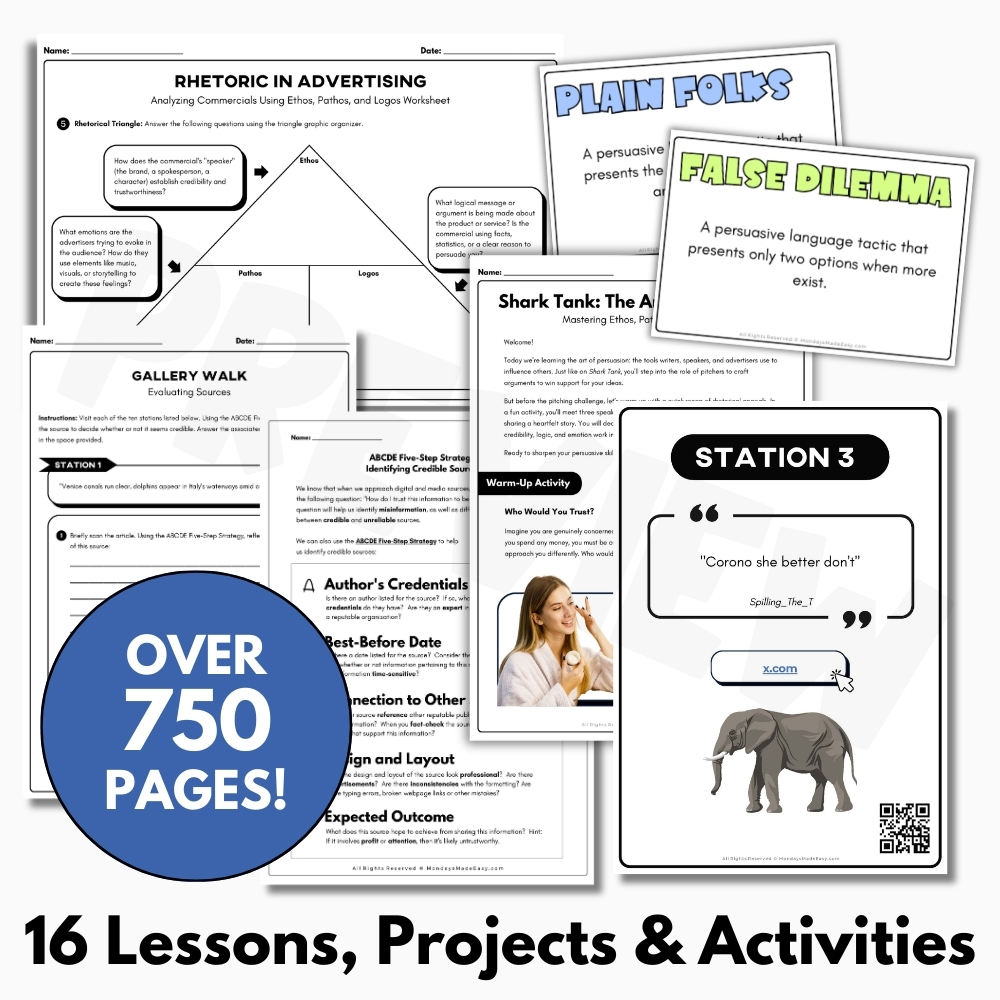
- Detect reliable and unreliable sources with an interactive gallery walk activity
- Differentiate forms of advertisements with an Ad Quest sorting activity
- Reinforce rhetorical analysis with a rhetorical device scavenger hunt and match-up card game
- Apply the rhetorical triangle to advertisements using a scaffolding graphic organizer
- Engaging Projects and Authentic Assessments – Digital & Print
-
- Teach types of advertisements with a hands-on media production group project
- Challenge students to evaluate an ad campaign showdown
- Bring the Shark Tank experience to your classroom to reinforce persuasive techniques
- Answer Keys, Rubrics, and Example Answers – Digital & Print
- Teacher Instructions for using these resources
Resources in this Media Literacy Mega Bundle:
1. Misleading Headlines and News Bias – Media Conventions
Help students identify misleading headlines and analyze bias in news reports with this media literacy lesson! Teach students how to recognize misinformation, apply media conventions, and evaluate headlines for bias and accuracy. This resource offers a practical, hands-on approach to understanding bias and misinformation in everyday media.
2. Internet Safety – Spotting Cyber Scams Online – Digital Citizenship Lesson
Teach students to identify online scams and protect their personal information with this internet safety and digital citizenship lesson. This media literacy resource includes interactive activities to help students recognize scam messages and understand safe online practices. This activity supports key outcomes in media literacy and digital citizenship by helping students understand how to protect themselves and others from misinformation and fraud in digital spaces.
3. Fake News & Misinformation Lesson – Credible Sources & Fact-Checking Information
Help students distinguish credible sources from fake news with this misinformation and media literacy activity. Teach fact-checking, online research, and digital source evaluation. This resource promotes digital citizenship and media literacy skills that are essential to navigating today’s online information landscape.
4. Social Media Literacy – Analyzing Algorithms, Filter Bubbles, and Echo Chambers
Teach digital citizenship through social media literacy! This engaging lesson explores how algorithms influence online experiences. Students examine bias, credibility, and curated digital content. This lesson deepens understanding of bias, misinformation, and the mechanics behind digital media consumption.
5. Confirmation Bias and Echo Chambers – Digital Citizenship Lesson
Explore how confirmation bias and echo chambers influence online behavior with this engaging media literacy lesson. Students will examine digital citizenship through debate, critical thinking, example articles, and collaborative discussion. The debate activity included with this lesson reinforces media literacy skills through research, reasoning, and respectful dialogue.
6. Media Bias Lesson – Analyzing News Sources – Digital Literacy and Misinformation
Teach students how to detect media bias with this engaging media literacy lesson. Through article comparisons, students will evaluate tone, word choice, and framing across news outlets to build digital citizenship skills and identify misinformation. This lesson builds essential digital citizenship and media literacy skills by helping students critically evaluate the reliability and tone of media sources in an age of misinformation.
7. Digital Footprint Lesson, Activity, and Graphic Organizer – Digital Citizenship
Do your students understand the permanence and impact of their digital footprint? Teach digital citizenship with this digital footprint lesson! Students will analyze real-life scenarios and reflect on smarter online behavior using case studies, a graphic organizer, and prompts for depth of knowledge. This lesson supports conversations around responsible technology use and helps students take ownership of their digital presence with confidence.
8. Digital Boundaries and Online Safety – Digital Citizenship Scenario Worksheets
Teach digital citizenship and online safety with this engaging mini-lesson and scenario-based activity! Students will reflect on respectful posting, digital boundaries, and safe online habits using guided prompts and real-life situations. This lesson aligns with digital citizenship goals and can be used as a standalone activity or integrated into broader units on online safety, health, or media literacy.
9. Understanding Media Texts – Critical Literacy Gallery Walk – Evaluating Sources
Teach critical literacy and digital citizenship with this Understanding Media Texts lesson. Students will evaluate media texts, analyze sources, and explore how to identify credible information with the slideshow lesson and interactive gallery walk activity provided in this resource.
10. Types of Advertisements – Print, Broadcast, Digital, and Outdoor Media
Teach types of advertisements with this media literacy lesson! Students will identify ad forms, explore target audiences, and analyze media messages through interactive activities and visuals.
11. Advertisement Techniques – Target Audience and Central Message in Advertising
Engage your students in a hands-on media literacy project that challenges them to compare, analyze, and present competing ad campaigns! This real-world activity builds critical thinking as students examine rhetorical strategies, target audiences, and central messaging used in advertising.
12. Persuasive Techniques Sorting Game – Logical Fallacies and Emotional Appeals
This interactive media literacy lesson introduces students to persuasive techniques through a fun sorting game! Students will explore rhetorical strategies and distinguish emotional appeals, logical fallacies, and various persuasive tactics used in advertising, argument, and everyday media. Use this game to reinforce key concepts, build critical thinking skills, and promote collaborative learning!
13. Rhetorical Triangle Lesson – Appeals in Advertising – Ethos, Logos, and Pathos
Help students master their understanding of rhetorical appeals in advertising with this lesson! Students will apply the rhetorical triangle to advertisements and analyze how ethos, logos, and pathos impact messaging in commercials.
14. SPACECAT Scavenger Hunt – Rhetorical Analysis Activity – Media Literacy Lesson
Help your students master rhetorical analysis with this interactive SPACECAT Media Literacy Scavenger Hunt! Students will explore how real-world media texts use rhetorical elements to persuade, inform, or influence. This engaging lesson guides students through speaker, purpose, audience, context, and more.
15. Creating an Advertisement – Types of Advertisements – Media Production
Teach types of advertisements with this hands-on media production project! Students will create an advertisement while exploring target audience, persuasive strategies, and real-world media literacy skills. This media production project challenges students to apply their understanding of Types of Advertisements by designing and producing their own original advertising campaign. Students will explore target audience, central message, persuasive techniques, and ethical media considerations while creating an advertisement aligned with real-world media conventions.
16. Shark Tank Persuasion Project – Rhetorical Appeals Pitch Presentation – ENL1W
Bring the Shark Tank experience into your classroom – but with a fun twist! In this engaging project, students learn to apply rhetorical appeals – ethos, logos, and pathos – by developing and pitching their own absurd product idea. This Shark Tank project blends public speaking, media production, and rhetorical analysis in a fun, real-world simulation – perfect for ELA, media, or business classes alike!
✨ Kindly note that due to copyright restrictions, this resource is not editable, except for the files specifically labelled as editable. This is a common practice within the online marketplace in order to protect the clip artists and software providers that have authorized their intellectual property for the development of this resource.
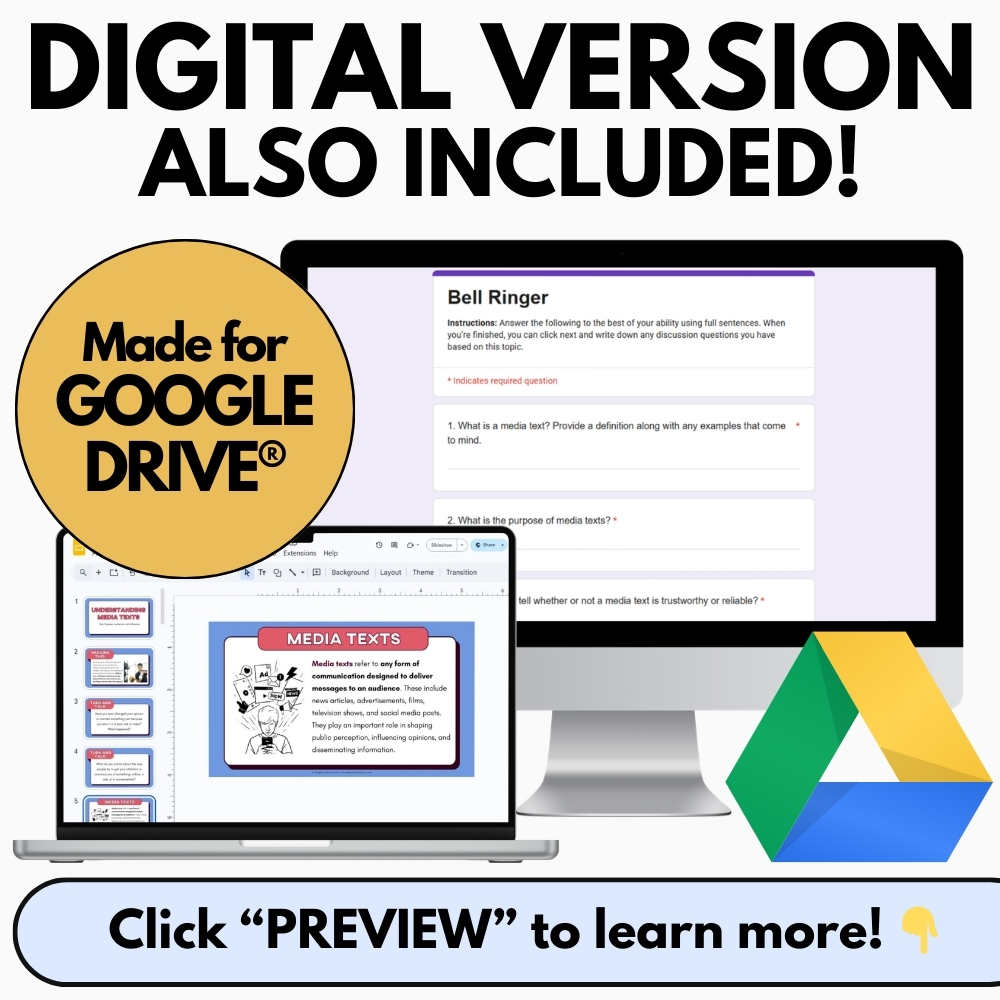
⭒ For classrooms utilizing Google Classroom® ⭒
To access the digital version of these worksheets, simply follow the instructions within the resource to copy the files directly to your Google Drive®.


