Description
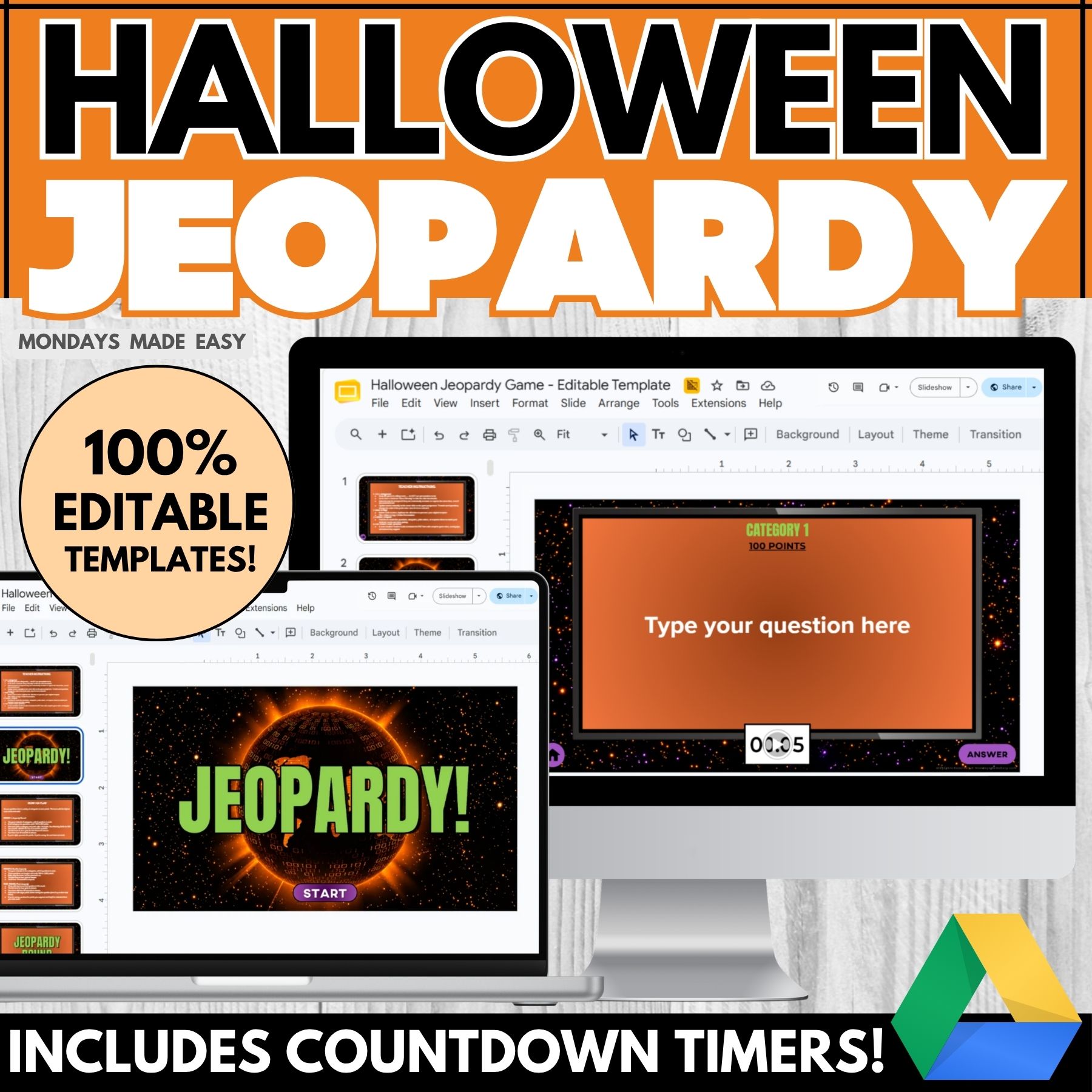
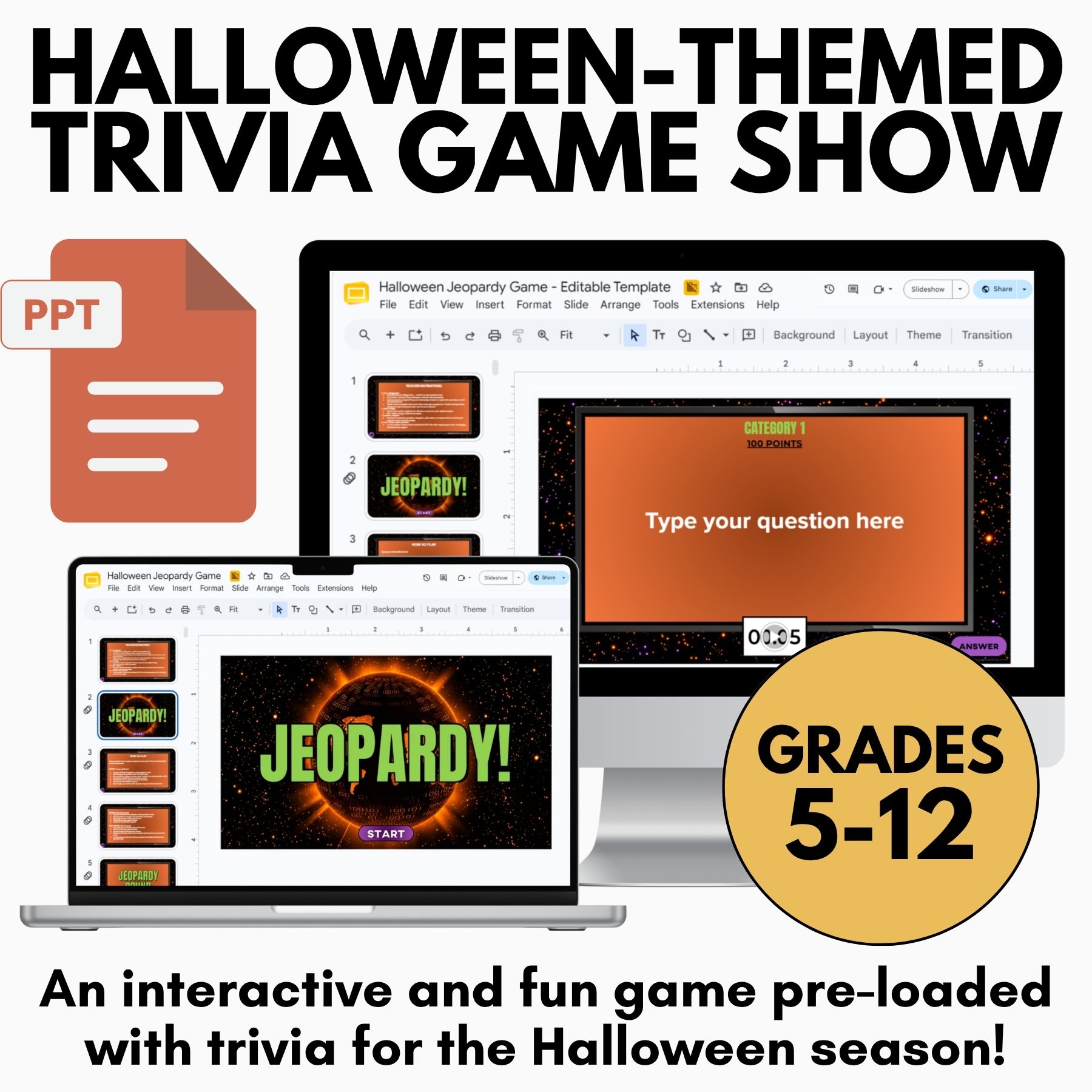
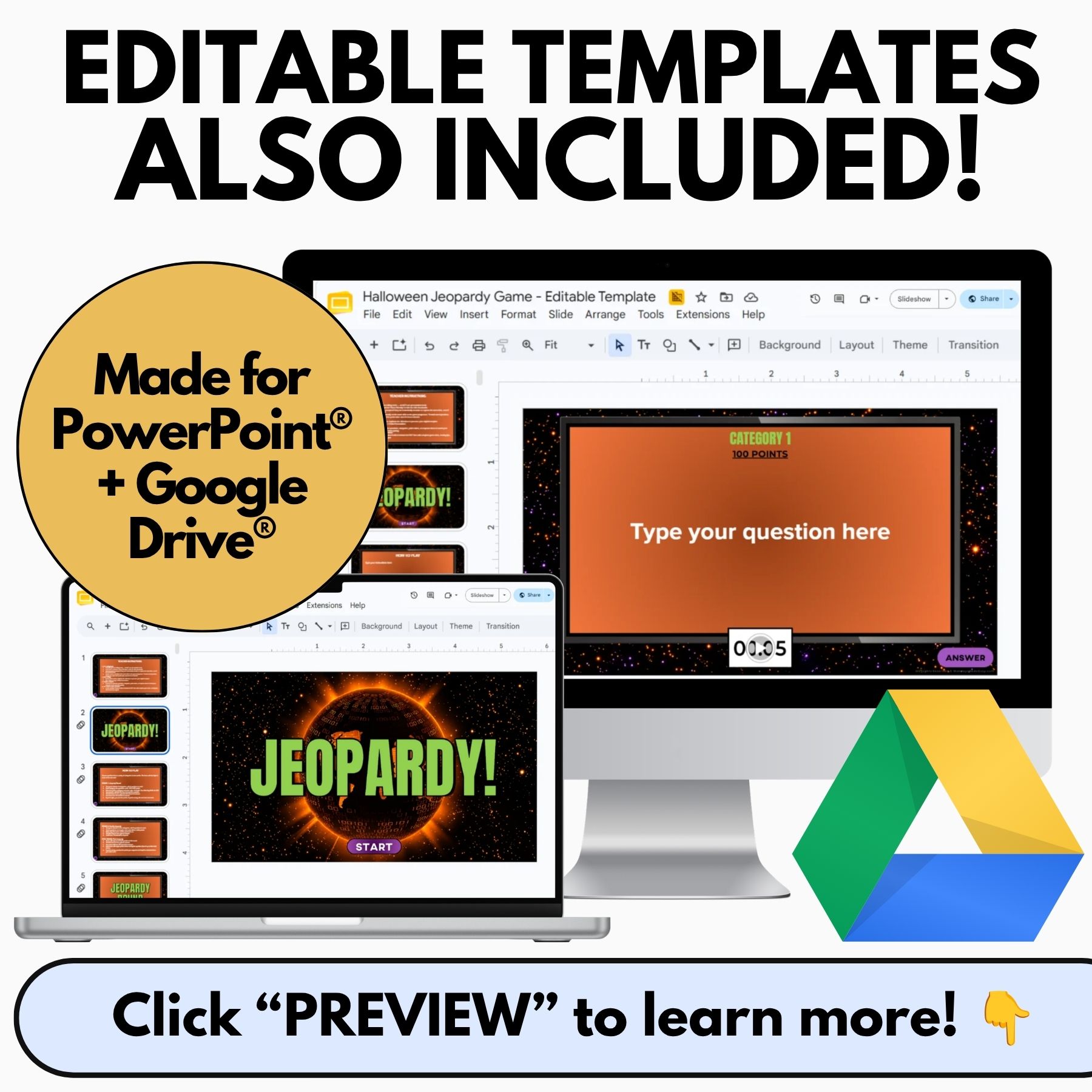
It’s October, and everyone’s checked out. This Halloween Jeopardy game will reel your students back in! This game includes Halloween-themed trivia questions, a built-in score tracker, countdown timers, and editable file for whenever you want to play it again with custom content. Available in both PowerPoint® and Google Slides®!
Included with this Halloween Jeopardy Game:
- Halloween Jeopardy Game – Editable & Ready-to-Play
-
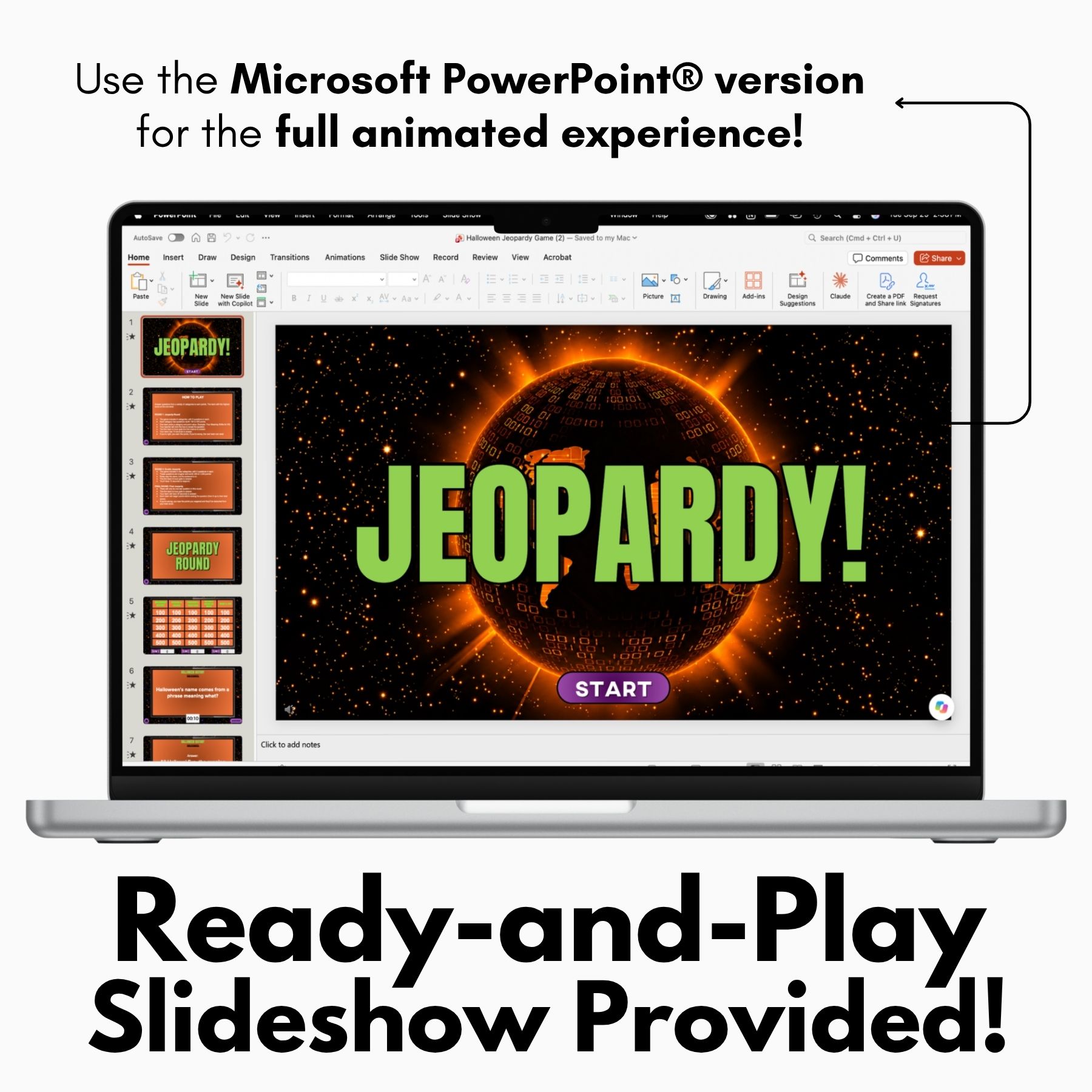
- For the full animated experience, use the PowerPoint® version provided
- No access to PowerPoint®? The Google Slides® version offers the same Halloween trivia without the animated reveals – just copy it to your Drive and play!
- Teacher Instructions for Using These Resources
How to Use This Halloween Jeopardy Game:
This Jeopardy-style trivia game is perfect for team-building, brain breaks, or reeling in students during those hectic days around Halloween! It includes ready-to-play files preloaded with Halloween-themed trivia questions for older students.
Bring some spooky fun into your classroom with Halloween Jeopardy, an engaging trivia game that encourages friendly competition, teamwork, and critical thinking. Whether you’re looking for a festive activity before the Halloween break, a fun Friday classroom game, or an interactive way to reward students after a busy week, this resource offers an exciting alternative to traditional review activities. Students can collaborate with their teammates, discuss possible answers, and use their existing knowledge to solve trivia questions. The game is designed to keep older students engaged while adding a seasonal twist to your classroom routine. With its ready-to-use format, Halloween Jeopardy saves valuable preparation time and allows you to focus on facilitating an enjoyable learning experience.
You can choose from two gameplay format options: an animated PowerPoint® version and a Google Slides® version. Each option accommodates different settings to meet your classroom needs.
Both versions provide flexibility, allowing you to choose the format that works best with your available technology and preferred teaching style. Whether you enjoy the excitement of animated presentations or prefer a straightforward digital game, you can easily incorporate this Halloween activity into your lesson plans. The two formats make it possible to adapt the game to different classroom environments, including technology-equipped classrooms and settings where Google Slides® is the more convenient option. By offering multiple ways to play, Halloween Jeopardy helps teachers create an interactive experience without needing to build a trivia game from scratch.
Recommended option: The animated PowerPoint® version features animation, clickable slide navigation, sound effects, and answer reveals that mimic the traditional Jeopardy experience. As students select a question, the facilitator can click to reveal the prompt and then the answer. This version is ideal for classrooms with access to Microsoft PowerPoint® and allows for an exciting and interactive experience.
The animated format creates a more immersive game-show atmosphere, making each round feel exciting and encouraging students to participate actively. The clickable navigation allows the facilitator to move between questions efficiently, while sound effects and animated reveals add an extra layer of anticipation as teams wait to see whether their answers are correct. You can divide your class into teams, assign a spokesperson for each group, and let students take turns selecting questions. This format works particularly well for whole-class activities because students can follow the game together while keeping track of their team’s progress. With Halloween Jeopardy, the familiar game-show structure transforms classroom trivia into a lively group activity that encourages collaboration, participation, and friendly competition.
Alternate option: If you don’t have access to Microsoft PowerPoint®, you can use the non-animated Google Slides® version instead. This format doesn’t include the animated reveals, since enabling them requires macros, and macros carry security risks we’re not comfortable asking teachers to take on. Instead of playing in presentation mode, play the game in editing mode and drag icons to track completed questions and manually reveal answers as gameplay progresses. Go to View > Uncheck “Show Filmstrip” to hide the slide thumbnails.
The Google Slides® version provides a practical alternative for teachers who prefer working within Google Drive® or need a format that is easy to access and share. Although the gameplay requires a few manual steps, you can still facilitate an enjoyable trivia competition using the provided questions and answer materials. Playing in editing mode allows you to move the icons as questions are completed and reveal answers when teams are ready. Hiding the filmstrip also gives you a cleaner workspace while navigating the slides during gameplay. Before introducing Halloween Jeopardy to your class, take a few minutes to familiarize yourself with the slide layout and practice moving between questions so the game runs smoothly. These simple preparations can help you avoid unnecessary interruptions and keep students focused on the activity.
Students can use the Halloween Jeopardy Answer Sheet to keep track of their answers. An Answer Key and Score Sheet for facilitating this game have also been provided.
The answer sheet gives students a convenient way to record their responses throughout the game, helping them stay organized and actively participate in each round. Depending on your preferred gameplay structure, students can work individually, collaborate with their teammates, or record answers before discussing them as a group. The provided answer key makes checking responses easier, while the score sheet helps you track team performance and determine the winning group. Having these materials prepared in advance also reduces the need to create additional paperwork or keep track of responses from memory. Together, these supporting resources make Halloween Jeopardy easier to facilitate while ensuring that students have a clear way to participate and teachers can manage the competition efficiently.
To get the most out of this activity, establish a few simple rules before starting the game. Explain how teams will take turns, how students should record their answers, and how points will be awarded. You can also set a time limit for each question to maintain momentum and give every team an opportunity to participate. Encourage students to communicate respectfully, listen to different perspectives, and celebrate their classmates’ successes. If you want to add another layer of engagement, consider offering a small classroom reward or allowing the winning team to choose a future brain break activity. These small adjustments can make Halloween Jeopardy even more memorable while reinforcing teamwork and positive classroom behavior.
Whether you’re planning a Halloween celebration, a seasonal brain break, or an end-of-week classroom activity, this trivia game offers a convenient way to bring excitement into your lessons. The ready-to-play files, flexible presentation options, answer sheets, answer key, and score sheet help minimize preparation while keeping gameplay organized. Use Halloween Jeopardy to encourage participation, strengthen classroom connections, and give older students a fun opportunity to collaborate and test their knowledge during the Halloween season.
Note that this resource is licensed for personal classroom use only and may not be used for any commercial purpose. Creating a game or product using this material for resale is a direct violation of copyright law. Unauthorized commercial use will result in legal action. Thank you for respecting these terms.
✨ Kindly note that due to copyright restrictions, these resources are not editable, except for the files specifically labelled as editable. This is a common practice within the online marketplace in order to protect the clip artists and software providers that have authorized their intellectual property for the development of this resource.
⭒ For classrooms utilizing Google Classroom® ⭒
To access the digital version of these worksheets, simply follow the instructions within the resource to copy the files directly to your Google Drive®.