

Description
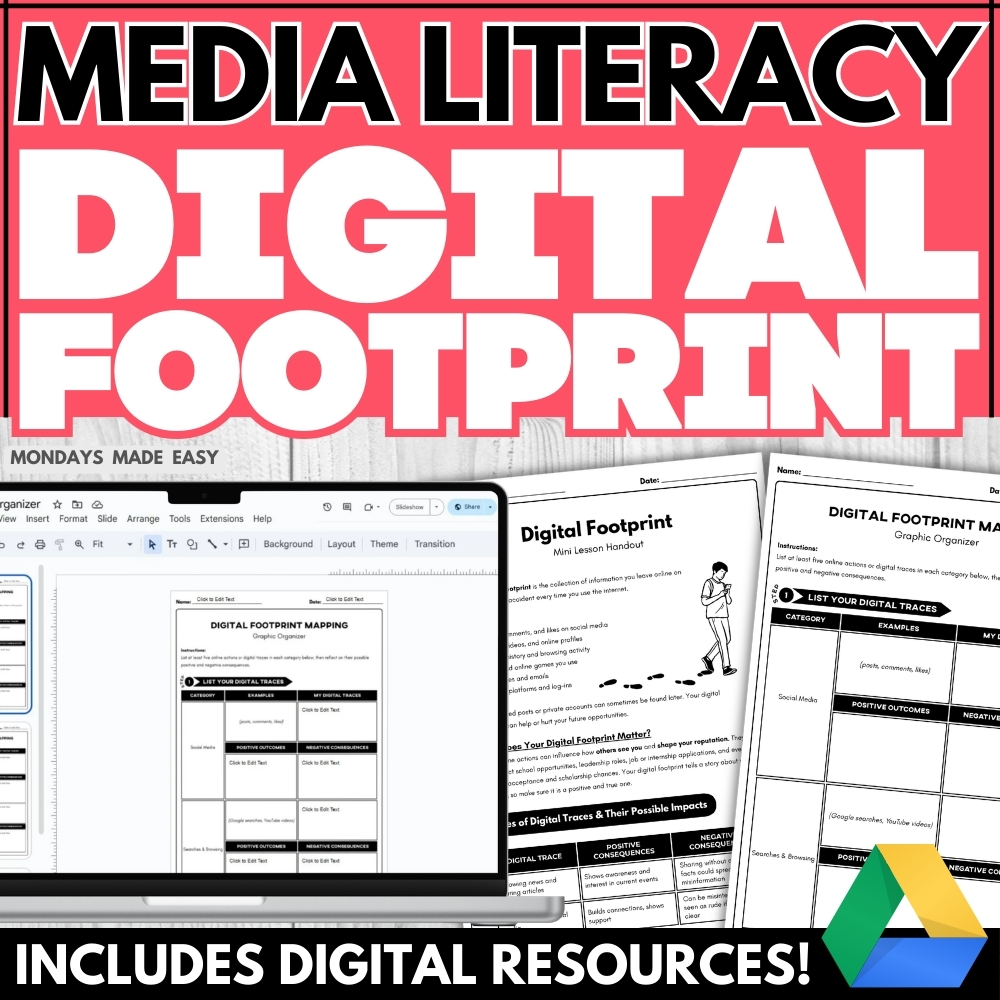
Do your students understand the permanence and impact of their digital footprint? Teach digital citizenship with this digital footprint lesson! Students will analyze real-life scenarios and reflect on smarter online behavior using case studies, a graphic organizer, and prompts for depth of knowledge. Includes digital resources for Google Classroom®!
Included with this Digital Footprint Lesson:
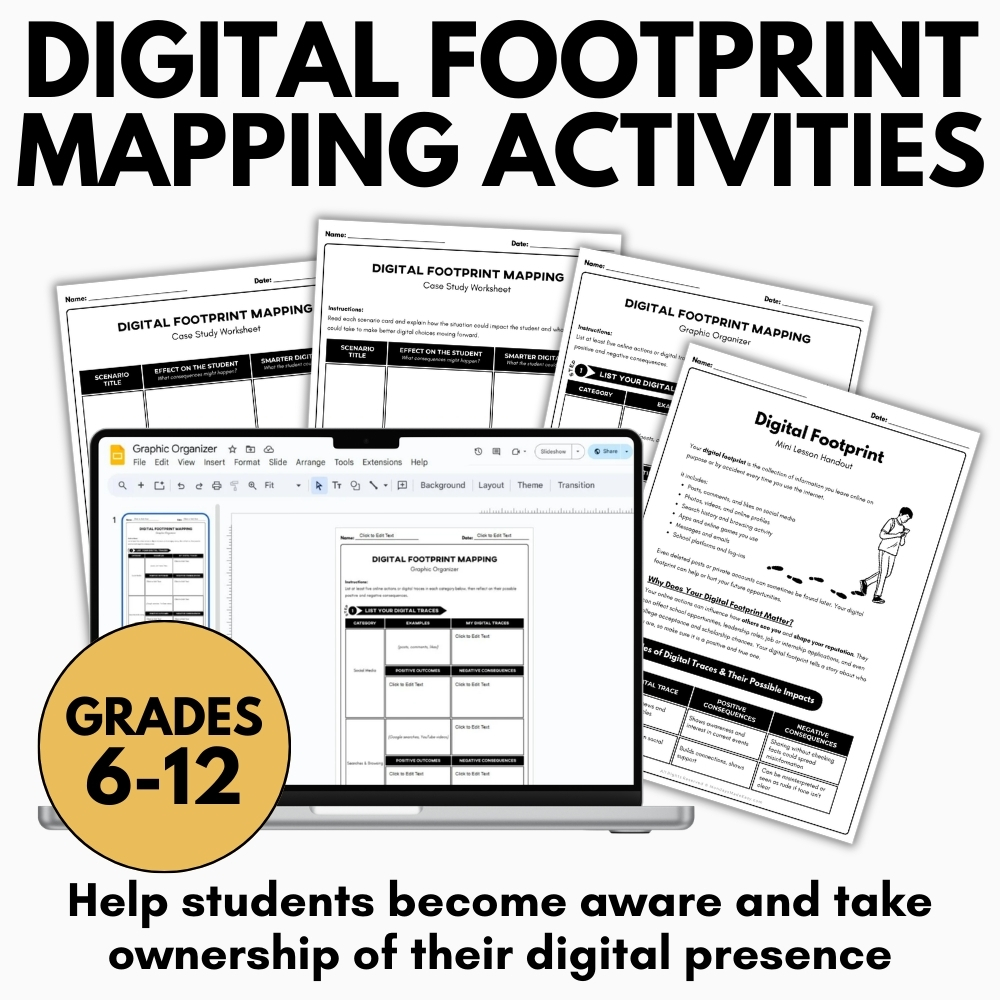
- Digital Footprint Mini-Lesson Informational Handout
- Digital Footprint Mapping Graphic Organizer – Digital & Print
- Case Study Worksheet – Digital & Print
- Sample Answers to Model Responses
- Teacher Instructions for using these resources
How to Use This Digital Footprint Lesson:
This lesson supports conversations around responsible technology use and helps students take ownership of their digital presence with confidence.
At its core, this Digital Footprint Lesson encourages students to think more intentionally about how their online actions shape their identity in digital spaces. Many students interact with the internet daily through social media, messaging apps, and search engines, yet they may not fully recognize how these interactions leave lasting traces. By framing digital responsibility as a skill rather than a rule, the lesson helps students feel empowered rather than intimidated. The goal of the Digital Footprint Lesson is to help learners understand that every post, comment, or interaction contributes to a broader online narrative that others may see and interpret.
Begin with the Digital Footprint Mini-Lesson Informational Handout to introduce key concepts related to digital identity and online presence. This short reading outlines the idea of a digital footprint, explores how personal content is stored and shared online, and helps students define key terms relevant to digital citizenship.
This opening step provides the conceptual foundation for the Digital Footprint Lesson. The informational handout introduces students to key vocabulary such as digital identity, online presence, and permanent data trails. These terms help students better understand how their digital activity can accumulate over time and shape the way they are perceived by others. Teachers can pause during the reading to encourage discussion or ask reflective questions that connect the material to students’ everyday online experiences. By establishing shared terminology early in the Digital Footprint Lesson, students are better prepared to engage in thoughtful analysis and discussion during later activities.
Next, have students complete the Digital Footprint Graphic Organizer. This organizer helps students identify where and how their online actions create a traceable history. It prompts reflection on social media habits, search histories, and user behavior while encouraging students to consider how these digital choices shape their reputation.
The graphic organizer serves as an interactive reflection tool within the Digital Footprint Lesson, encouraging students to think critically about their own digital habits. Rather than focusing only on social media posts, the organizer expands students’ awareness to include browsing behavior, online purchases, app usage, and other forms of digital interaction. As students map out these activities, they begin to recognize how small actions contribute to a larger online profile. This stage of the Digital Footprint Lesson promotes self-awareness and encourages learners to reflect on how their choices may influence how others perceive them in academic, social, or professional settings.
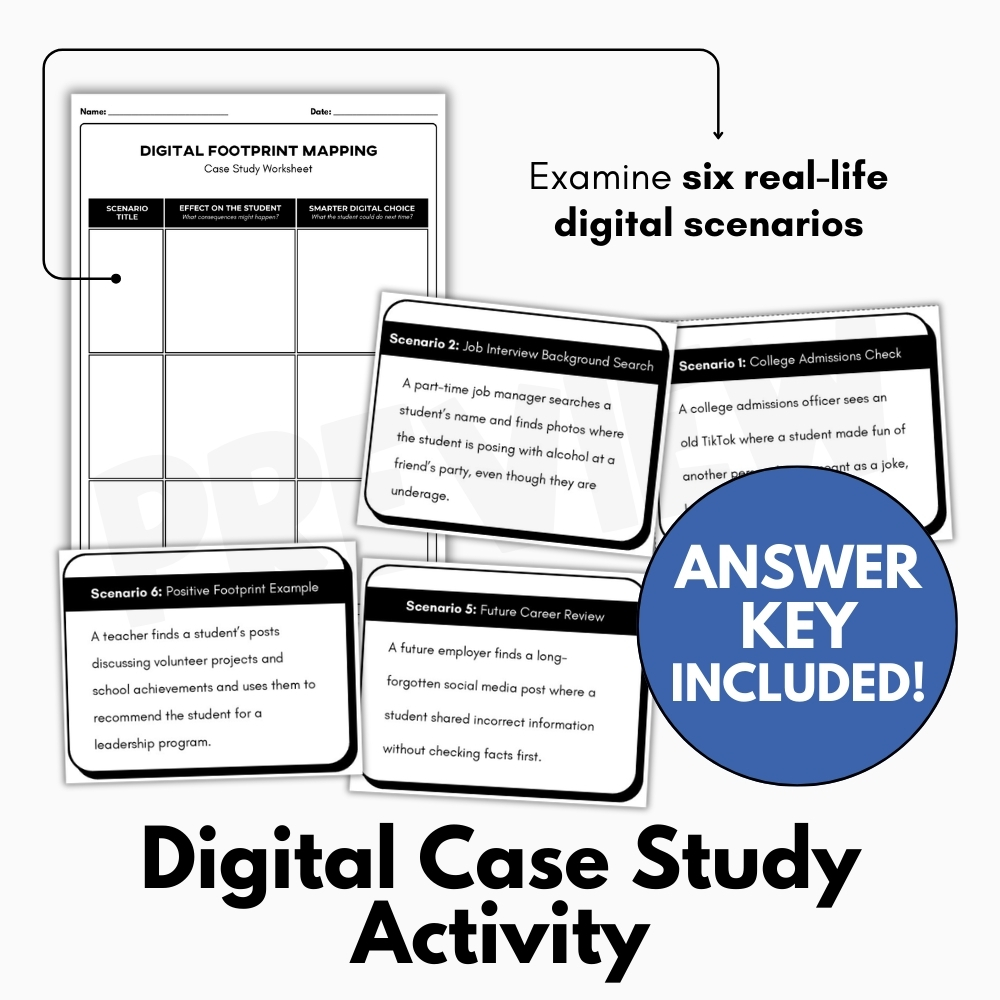
Then, assign the Case Study Worksheet. Students examine six real-life digital scenarios, ranging from college admissions checks to future career impacts, and assess the consequences of each one. For every case, students must describe the potential outcomes and propose a smarter digital choice that aligns with responsible online behavior. The scenarios span personal, academic, and professional contexts, reinforcing long-term thinking about online activity.
The case study component is one of the most practical parts of the Digital Footprint Lesson, allowing students to apply their understanding to realistic situations. Each scenario highlights how digital content can affect opportunities, relationships, and reputations. By analyzing the consequences of certain online actions, students practice predicting how decisions made today may influence future outcomes. This stage encourages problem-solving and ethical reasoning, as students are asked not only to identify the issue but also to suggest a more responsible alternative. The variety of contexts included in the Digital Footprint Lesson helps students recognize that digital footprints affect many aspects of life, from education to employment.
To consolidate learning, review the sample answers provided and hold a class discussion using the worksheet as a foundation. Encourage students to share insights about how their digital choices might affect relationships, school, and opportunities beyond the classroom.
The discussion and review phase allows students to deepen their understanding of the Digital Footprint Lesson through collaborative reflection. By examining the sample answers, students can compare their reasoning with modeled responses and refine their thinking. Teachers can use this time to highlight strong examples of responsible digital decision-making while addressing misconceptions that may arise. Encouraging students to share insights also helps them recognize that online behavior can influence many areas of life, including friendships, academic opportunities, and professional prospects.
This concluding conversation reinforces the central message of the Digital Footprint Lesson: digital actions have real-world consequences, but individuals also have the power to shape their online presence intentionally. Through thoughtful discussion, students begin to understand that managing a digital footprint involves ongoing awareness, reflection, and responsibility. Rather than focusing solely on avoiding mistakes, the lesson encourages students to think proactively about how their online behavior can reflect their values, goals, and character.
Overall, the Digital Footprint Lesson provides a structured and supportive environment for students to explore the complexities of digital identity. By combining informational reading, reflective activities, real-world case studies, and collaborative discussion, the lesson helps students develop both knowledge and practical decision-making skills. These skills are essential for navigating today’s digital landscape responsibly and confidently.
As students complete the Digital Footprint Lesson, they gain a clearer understanding of how their digital presence evolves over time and why thoughtful online behavior matters. The activities encourage them to approach technology with awareness and intention, helping them become more responsible digital citizens. Ultimately, the lesson empowers students to view their digital footprint not as something to fear, but as something they can manage and shape with care.
✨ Kindly note that due to copyright restrictions, this resource is not editable, except for the files specifically labelled as editable. This is a common practice within the online marketplace in order to protect the clip artists and software providers that have authorized their intellectual property for the development of this resource.
⭒ For classrooms utilizing Google Classroom® ⭒
To access the digital version of these worksheets, simply follow the instructions within the resource to copy the files directly to your Google Drive®.