Description
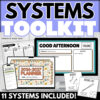
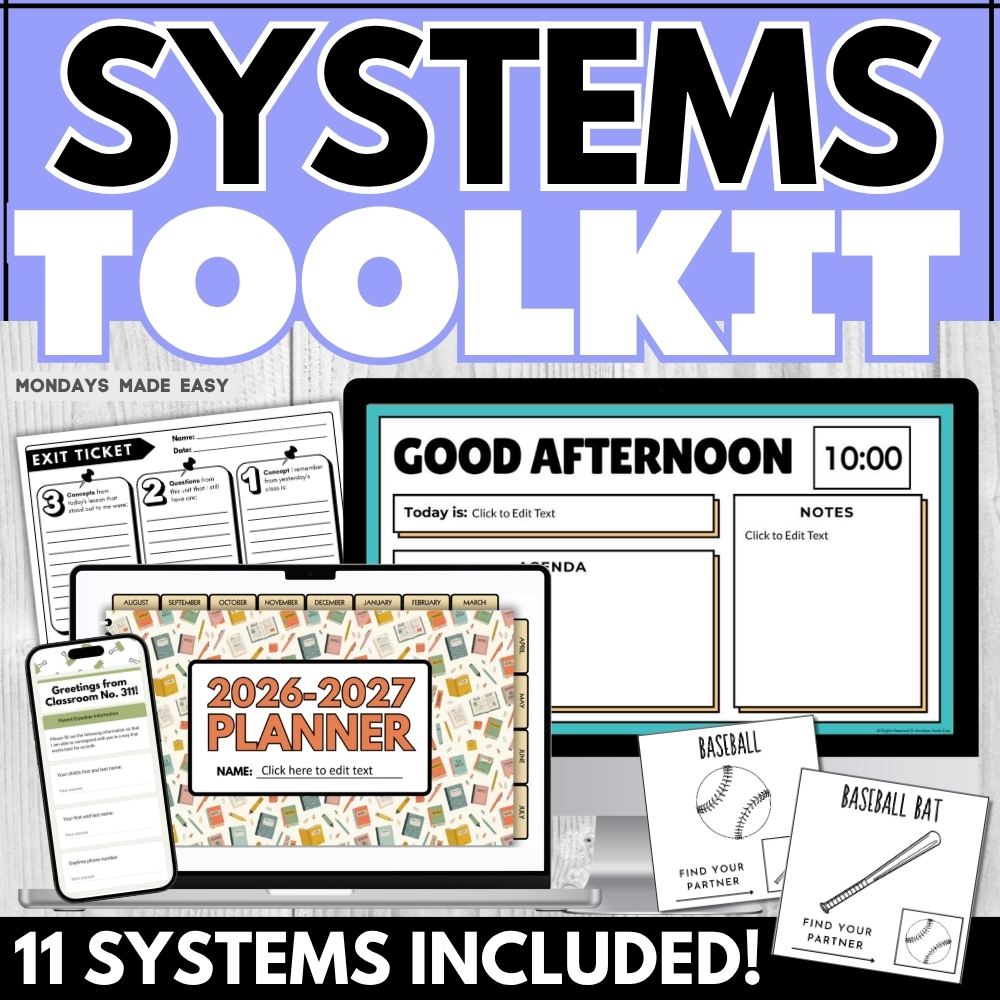
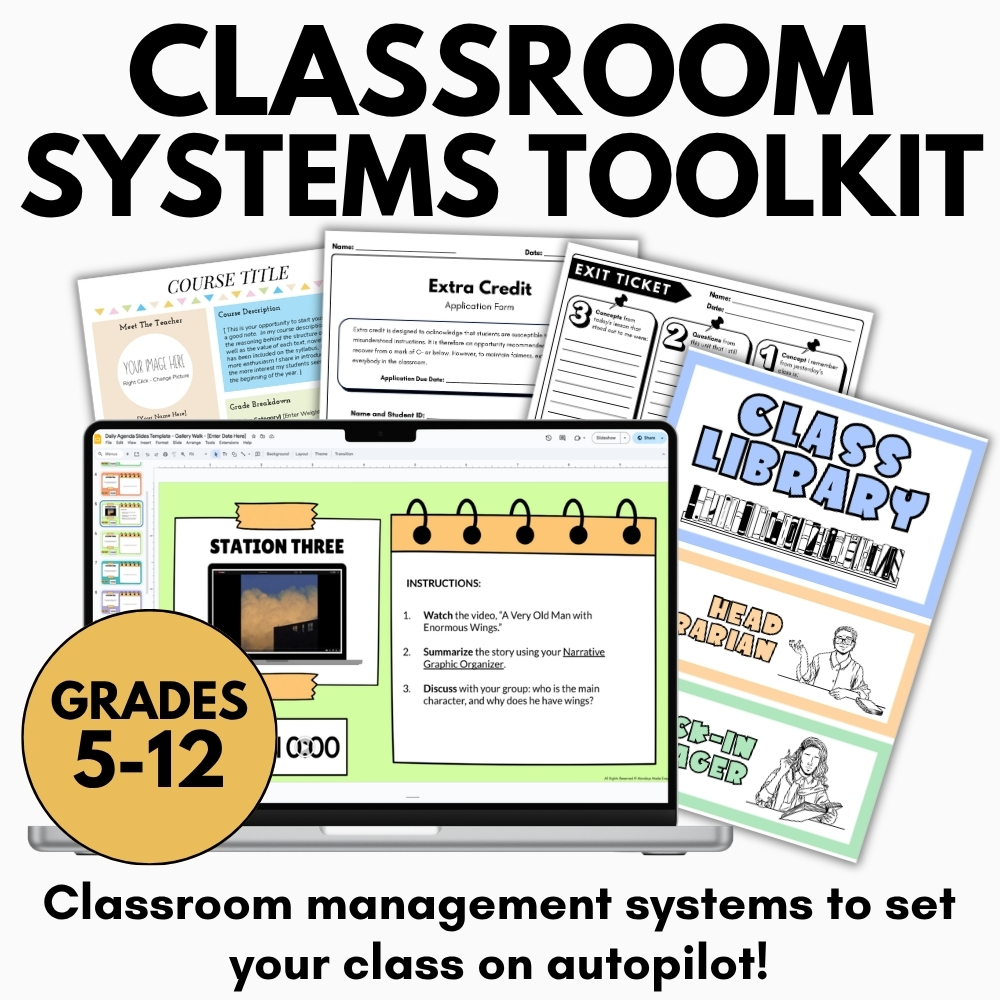
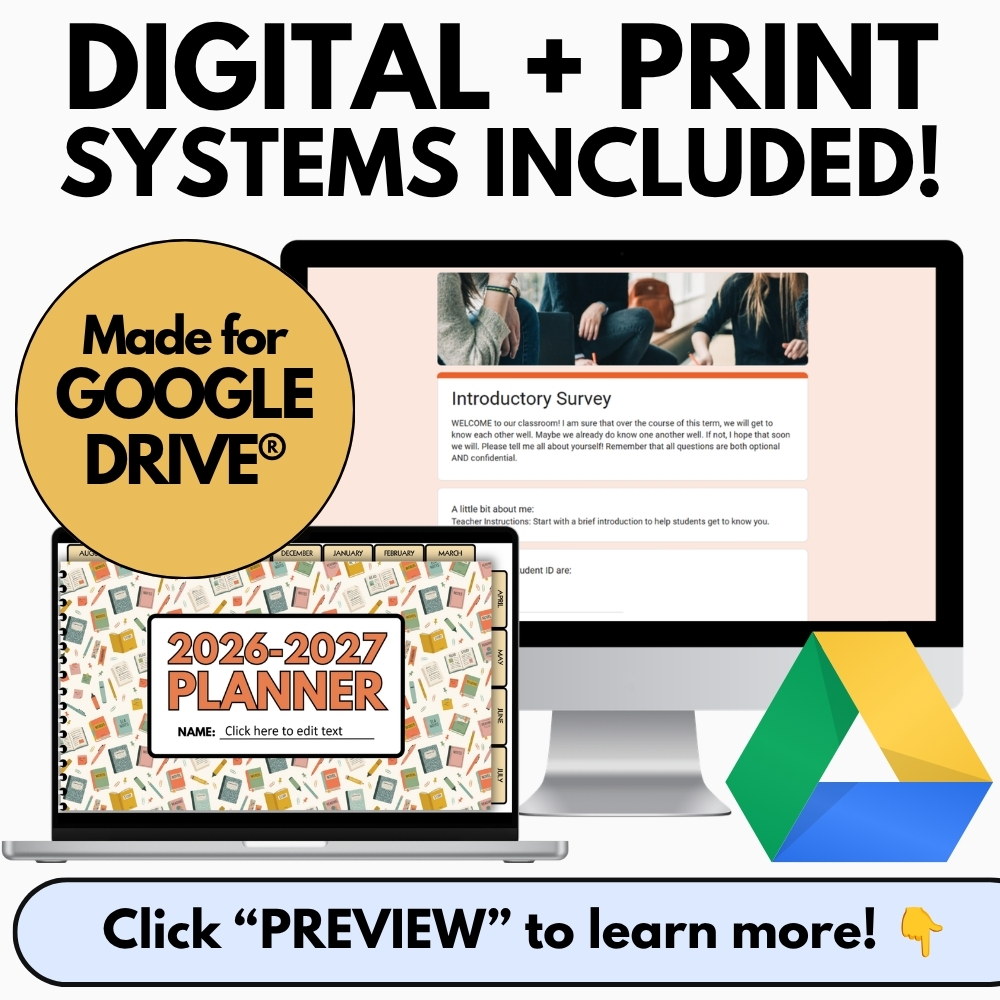
Back-to-school season is the perfect opportunity to implement new classroom management systems. This Classroom Systems Toolkit includes eleven classroom management and organization strategies to help you build the routines, systems, and communication tools to set your middle or high school classroom on autopilot! From course syllabi and daily agenda slides to student data tracking and parent contact forms, this bundle covers every layer of classroom organization so you can spend less time on admin and more time on teaching. Includes digital systems for Google Drive®!
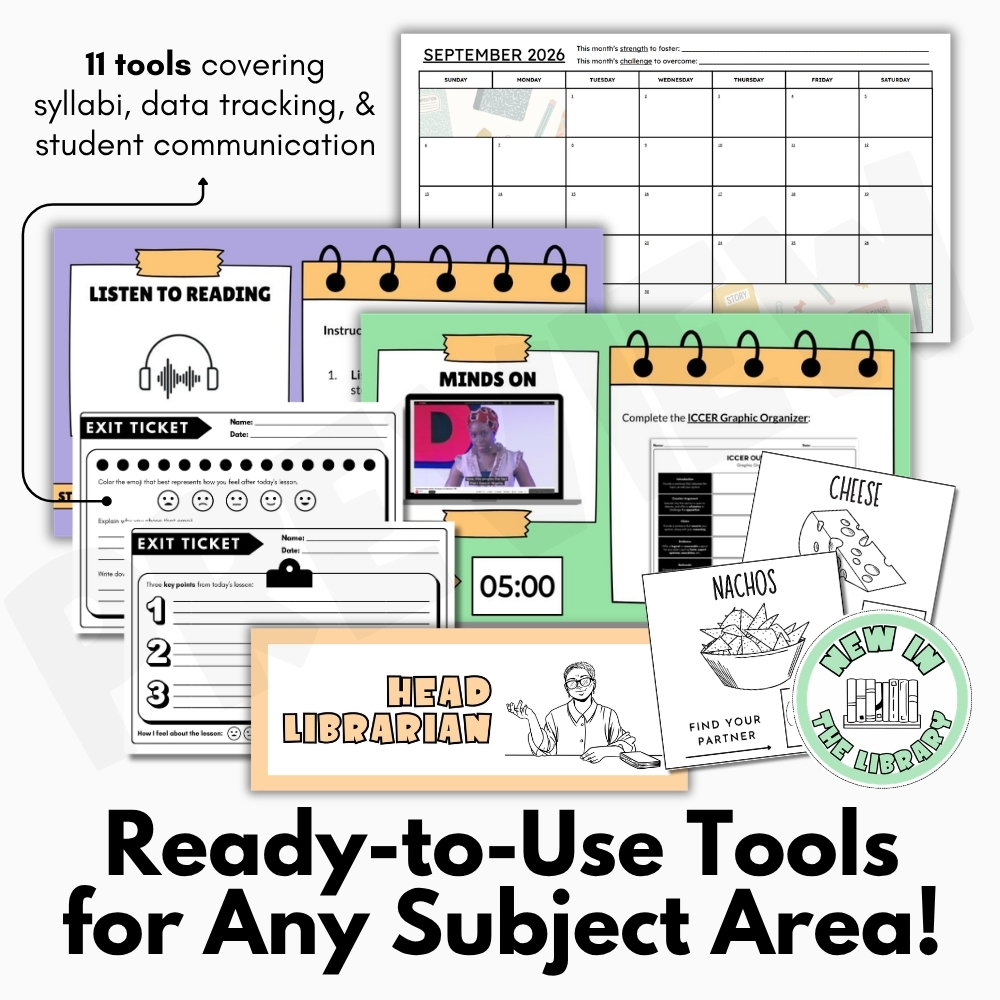
Included with this Class Systems Toolkit:
- Editable Daily Agenda Slides with Countdown Timers – Google Slides®
- Digital Student Planner 2026-2027 – Google Slides®
- Editable Syllabus Template – PowerPoint® & Google Drive®
- Exit Ticket Templates – 8 Universal Exit Slips – Digital & Print
- Form for Extra Credit Assignments – Digital & Print
- Parent Contact Information Sheet – Digital & Print
- Partner Pairing Cards for Groups – 50 Partner Matching Cards
- Student Data Tracking Sheets – Google Sheets®
- Student Information Sheet – Editable Survey – Digital & Print
- Visual Syllabus Templates – PowerPoint® and Google Slides®
- Classroom Library Decor – Library Jobs, Labels, and Posters
- Teacher instructions and detailed examples for using these resources
Resources included in this Class Systems Toolkit:
✨ Course Setup and Communication Tools:
Editable Syllabus Template for Secondary – Any Class – PowerPoint, Google Docs
Take the hassle out of writing your high school syllabus! This 100% editable syllabus template is suitable for any subject area and is formatted for both Microsoft PowerPoint® and Google Drive®. Perfect for secondary classrooms, this unit-based syllabus outlines expectations, policies, and other important information. Easily customize every section to match your teaching style, classroom procedures, grading policies, and curriculum. Whether you are preparing for a new semester or refreshing an existing course, this template helps you create a polished, professional syllabus that keeps students and families informed from the very first day. As part of the Class Systems Toolkit, it provides a strong foundation for building consistent communication and classroom expectations.
Visual Syllabus Template – Editable Syllabus for Middle School and High School
Looking for an eye-catching syllabus template? This resource includes 5 editable syllabus templates that are perfect for both high school or middle school. The visual layout of these templates is an engaging way to introduce students to your course curriculum! With clean, modern designs and easy-to-edit layouts, these templates help break down important course information into a format that students are more likely to read and understand. They are ideal for teachers who want to create a welcoming first impression while keeping essential classroom information organized and accessible.
Parent Contact Information Sheet – Communication Form for Parents and Families
Gather important student information using this editable parent contact information sheet. This form will help establish communication with parents and families and includes digital and ready-to-print templates for Microsoft PowerPoint® and Google Forms®. Collect preferred contact methods, emergency contacts, important family information, and communication preferences in one organized location. Having this information readily available makes it easier to build positive relationships with families and maintain consistent communication throughout the school year.
Student Information Sheet – Editable Survey Questions Get to Know Your Students
Collect valuable information and get to know your students with this student information sheet! This editable student survey includes questions about students’ identities, responsibilities, learning goals, and other important information. Suitable for online learning with digital forms for Google Classroom®. Learn about your students’ interests, strengths, learning preferences, extracurricular activities, and academic goals to better personalize instruction and foster meaningful classroom connections. These responses also help teachers make informed decisions that support student success from day one.
✨ Daily Classroom Systems:
Daily Agenda Slides – Editable Morning Slides & Afternoon Templates with Timers
These daily agenda slides templates are the easiest way to outline your lesson framework each day! Use these morning slides and afternoon templates for classroom management, stations, and as a communication tool for distance learning. Interactive lessons can be built directly into these pre-made templates and countdown timers! Made for Google Slides®. Display learning targets, daily objectives, reminders, homework, classroom announcements, and schedules in one consistent place. Students quickly learn daily routines, helping transitions run smoothly while creating a structured learning environment that minimizes confusion and maximizes instructional time.
Exit Ticket Templates – 8 Universal Exit Slips for Any Subject – Digital & Print
Exit tickets are a classroom management strategy that double as a diagnostic assessment. These exit slips feature eight universal exit ticket templates that can be used for any lesson in any subject area. Includes digital exit tickets for Google Drive®! Quickly assess student understanding, identify misconceptions, and gather meaningful feedback before planning your next lesson. These flexible templates work equally well for formative assessment, self-reflection, classroom discussions, or quick comprehension checks across multiple grade levels and subject areas.
Partner Pairing Cards for Groups – 50 Partner Matching Cards – Icebreaker Game
Use these partner pairing cards as a back-to-school icebreaker game or to quickly and easily pair students for classroom activities and assignments. Includes 50+ partner matching cards to pair 25+ groups! Differentiated partner cards are also provided! Save valuable class time by creating random or intentional partnerships without repetition while encouraging collaboration, teamwork, and positive classroom relationships. These cards are perfect for cooperative learning, review games, partner discussions, and project-based learning activities throughout the year.
Form for Extra Credit Assignments and Requests – Back to School – Digital, Print
Manage extra credit assignments and prevent last-minute requests! This editable extra credit application is suitable for any subject area. Introduce this form during the back-to-school season or at the start of the new semester. Includes a digital form for Google Classroom®! Establish clear expectations and consistent procedures by requiring students to reflect on their current progress before requesting additional opportunities. This organized process promotes accountability while making extra credit requests easier to manage and more equitable for everyone.
✨ Student Organization and Data Tracking:
Digital Student Planner – Weekly Templates & Monthly Calendars – Slides & Print
Instill a growth mindset through monthly goal-setting and reflection! This digital student planner for Google Slides® provides weekly agendas and monthly calendars to promote student accountability and organization. Includes ready-to-print template! Students can keep track of assignments, deadlines, assessments, personal goals, and upcoming events while developing valuable executive functioning skills that extend beyond the classroom. Regular reflection pages also encourage students to monitor their own progress and celebrate growth throughout the school year.
Student Data Tracking Sheets – Anecdotal Observation Record for Google Sheets®
These student data tracking sheets will help you organize anecdotal observation records and log parent communication. These data tracking templates include student attendance trackers and an editable anecdotal notes template for detailed running records. Example anecdotal records are provided! Monitor academic performance, behavioral observations, interventions, participation, and communication history all within one organized spreadsheet. Having comprehensive student records readily available makes conferences, progress monitoring, and instructional planning much more efficient and effective.
Classroom Library Decor – Classroom Jobs, Library Posters, and Book Labels
This classroom library decor bundle will organize your classroom library and inspire reading in your classroom! It includes library book labels, classroom jobs, library posters, book stickers, and everything else you need to set up a smooth and efficient classroom library. Create an inviting reading space with coordinated resources that encourage student independence while keeping books organized and easy to access. Classroom job displays and library organization systems help establish routines that empower students to take ownership of their learning environment while fostering a lifelong love of reading.
Bring every aspect of your classroom together with this comprehensive Class Systems Toolkit. From setting expectations before the first day of school to managing daily routines, tracking student progress, organizing classroom resources, and strengthening communication with families, the Class Systems Toolkit provides practical, time-saving resources designed to help teachers stay organized all year long. Whether you’re a new educator building classroom systems from scratch or a veteran teacher looking to refresh your routines, the Class Systems Toolkit offers flexible, editable tools that support efficient classroom management while creating a positive and engaging learning environment for every student.
✨ Kindly note that due to copyright restrictions, these resources are not editable, except for the files specifically labelled as editable. This is a common practice within the online marketplace in order to protect the clip artists and software providers that have authorized their intellectual property for the development of this resource.
See what other teachers are saying about this Class Systems Toolkit:
“As a first year teacher this was so helpful in getting started with the beginning of year things I needed!” – Caroline K.
⭒ For classrooms utilizing Google Classroom® ⭒
To access the digital version of these worksheets, simply follow the instructions within the resource to copy the files directly to your Google Drive®.