
Description
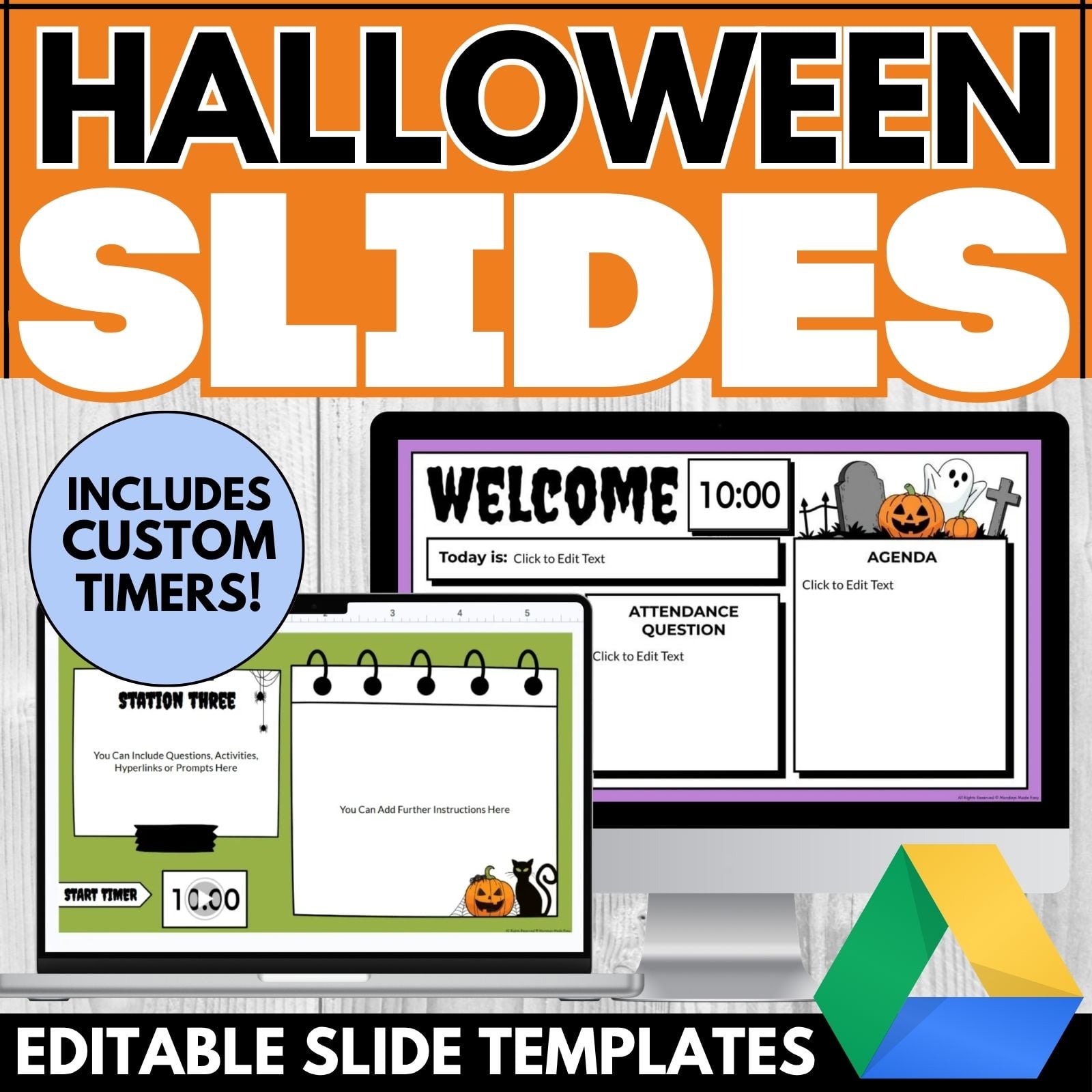
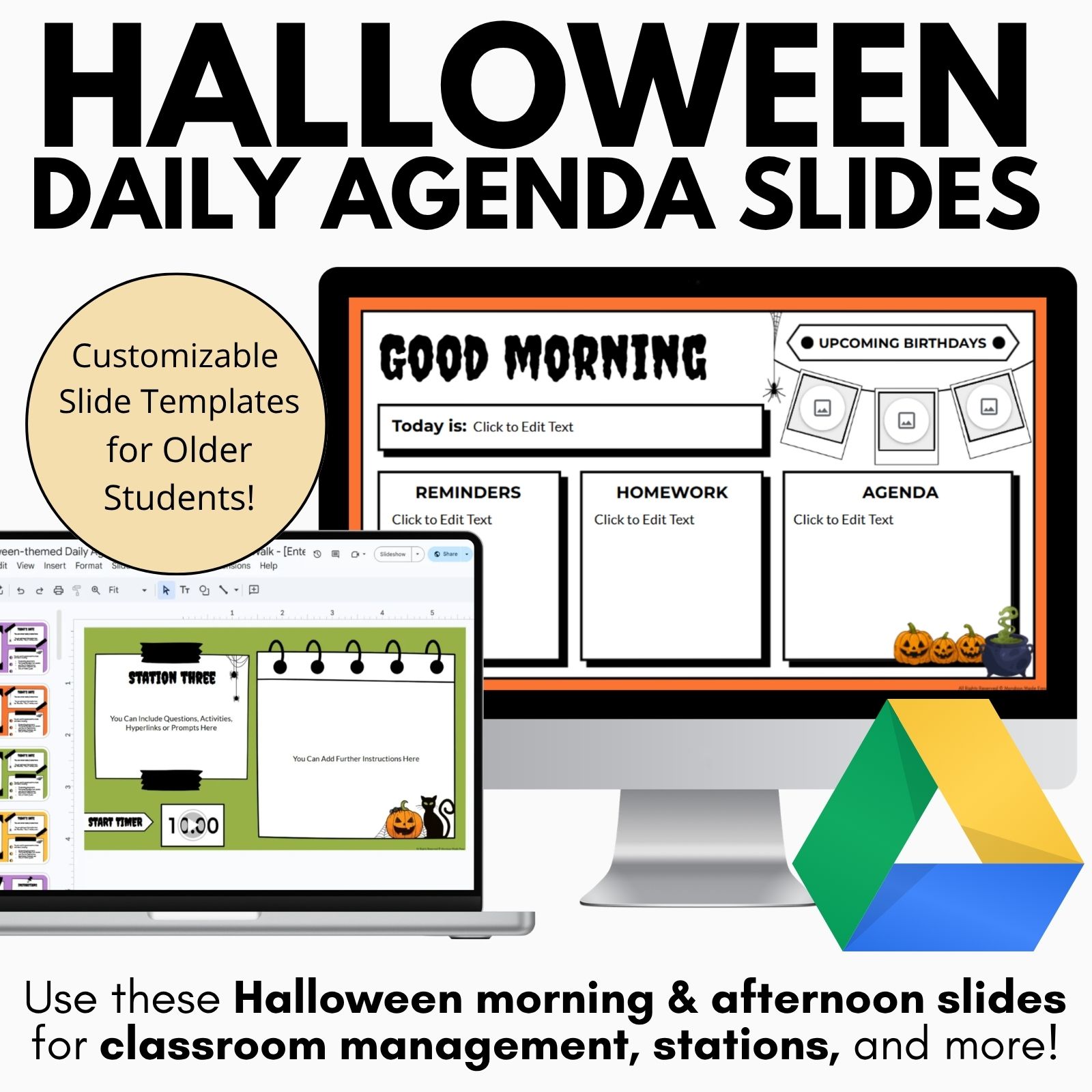
These Halloween-themed daily agenda slide templates are the easiest way to outline your lesson framework each day! Use these spooky morning slides and afternoon templates for classroom management, stations, and as a communication tool for distance learning. Interactive lessons can be built directly into these pre-made Halloween templates and countdown timers! Made for Google Slides®.
Included with these Halloween Daily Agenda Slides:
- Editable Agenda Slides Templates – Spooky Halloween Theme
-
- “Happy Halloween”, “Good Morning”, “Good Afternoon” slides, and more
- Customizable titles and backgrounds
- Stickers for upcoming events, reminders, today’s date, homework, halloween-themed elements, and more
- 24 countdown timers: 1-minute to 60-minute countdown
- Pre-Made Templates for 3 Different Lesson Frameworks – Spooky Halloween Theme
-
- 3-Part Lesson Plan Framework
- Gallery Walk Template
- The “Daily Five” Lesson Plan Framework
- Teacher Instructions for using this resource
How to Use These Editable Halloween Daily Agenda Slides with Timers:
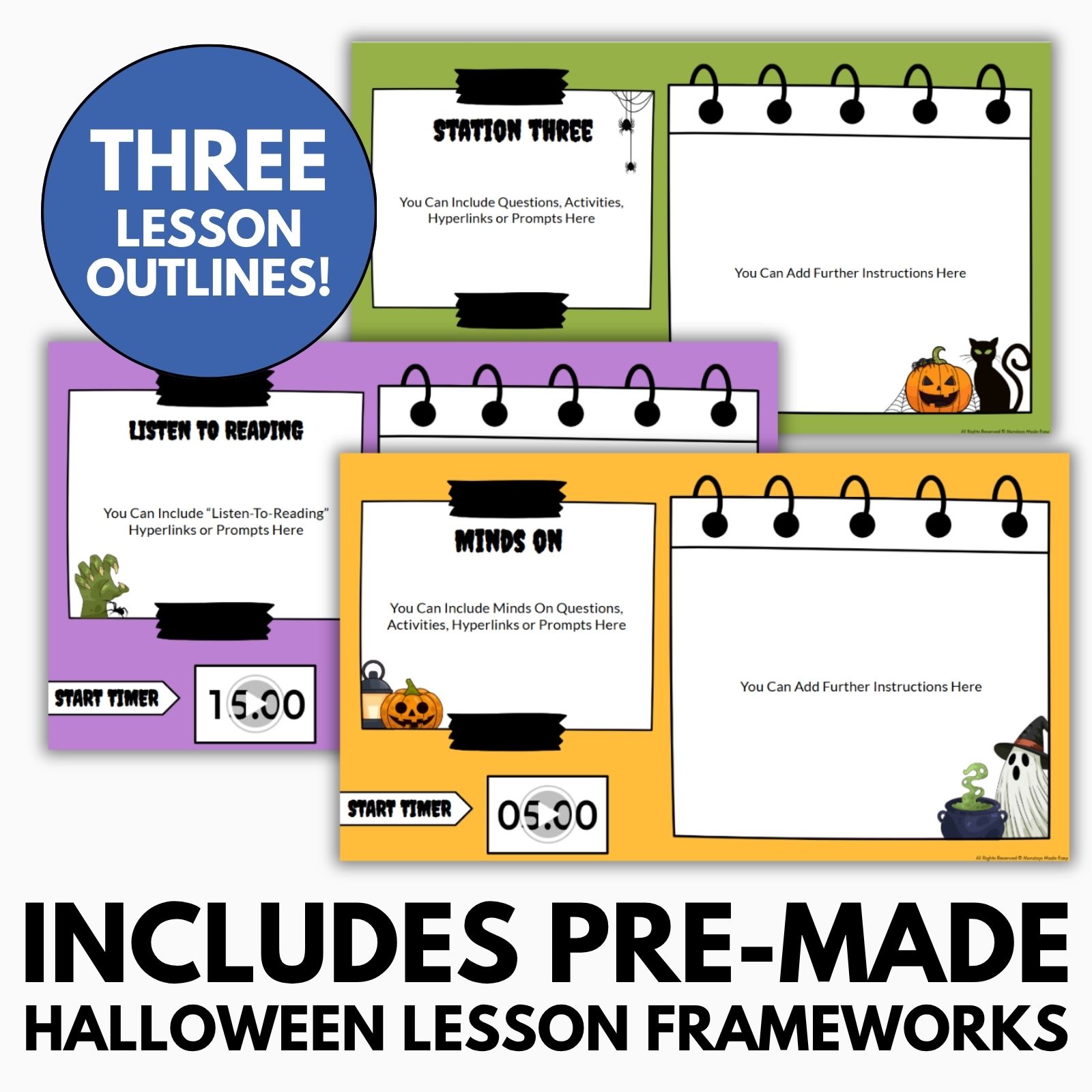
These Halloween-themed Google Slides® daily agenda templates offer the option to customize your own spooky daily agenda slides or use one of the pre-made lesson frameworks provided. These editable pre-made frameworks include:
- 3-Part Lesson Plan: Minds On – Action – Consolidation
- “The Daily 5”: Literacy Framework for English Language Arts
- Gallery Walk: Various Stations with Activities and Question Prompts
These ready-made frameworks make it easy to incorporate seasonal themes into your everyday classroom routines without having to design every slide from the beginning. Each framework provides a different structure for organizing instruction, helping students understand what they will be learning and how they will participate throughout the lesson. Whether you are introducing a new concept, facilitating literacy activities, or moving students through collaborative stations, these templates provide a clear visual roadmap for the day. The Halloween Daily Agenda Slides can be especially helpful during October when teachers want to bring some seasonal excitement into the classroom while maintaining consistent routines and expectations.
The 3-Part Lesson Plan framework is ideal for teachers who already organize instruction around Minds On, Action, and Consolidation. The Daily 5 framework provides a flexible structure for literacy-focused classrooms, while the Gallery Walk format gives students opportunities to move between stations, respond to prompts, and participate in collaborative learning. Having multiple frameworks available allows you to select the format that best matches your instructional goals instead of adapting one layout to every lesson. You can also switch between frameworks throughout the month to keep your lessons organized and visually engaging while maintaining familiar classroom routines.
Customizing Your Own Halloween Google Slides Agenda Templates:
This resource includes customizable Halloween-themed templates to help you create a lesson agenda that fits your needs.
Use the customizable layouts to create daily slides that communicate everything students need to know before, during, and after a lesson. You can include learning goals, instructions, reminders, assignments, homework, upcoming events, and other important information in one easy-to-access location. A consistent daily agenda can help students understand the flow of class and make transitions more predictable, particularly during busy times of the school year. The Halloween theme adds a festive touch while keeping the primary purpose of the slides focused on organization and communication. With Halloween Daily Agenda Slides, you can maintain structure while giving your classroom a fun seasonal update.
Start with one of the sample templates in the “Customizable Daily Agenda Slides” file. Choose your favorite slides and remove the others by right-clicking and selecting “delete.”
Starting with a pre-made design saves time and gives you a foundation that you can quickly adapt to your classroom. Choose the layouts that work best for your teaching style and remove any slides that you do not need. You can create different agenda formats for different subjects, class periods, days of the week, or instructional activities. This flexibility means you can prepare multiple versions in advance and simply update the information each morning. Teachers can also create specialized slides for Halloween-themed lessons, classroom games, seasonal writing activities, or special events while continuing to use the same familiar Halloween Daily Agenda Slides throughout the month.
To build your own interactive lesson template, start with a blank slide. Drag and drop stickers from the sample slides, duplicate slides as needed, and arrange stickers to suit your lesson. Add text boxes to write on the stickers, and resize or rotate them as needed. Use text boxes to label and personalize your content. Finally, you can add the date to the file’s title.
The drag-and-drop format gives you the freedom to create an agenda that reflects your classroom’s unique routines and instructional needs. You can combine different stickers, move visual elements around, resize graphics, and create dedicated sections for different parts of your lesson. Duplicating slides also allows you to maintain a consistent appearance from day to day while changing the specific information students need to know. Add your own learning goals, discussion questions, assignments, reminders, or classroom procedures directly to the slides. These customization options make Halloween Daily Agenda Slides useful for everything from regular daily instruction to special seasonal activities.
You can present your slides in class or assign them through Google Classroom so each student gets a copy to work on.
This flexibility makes the templates useful for traditional classrooms, blended learning environments, and digital instruction. When presenting the slides in class, you can keep the agenda visible during transitions, independent work, group activities, or station rotations so students can refer back to the instructions whenever needed. When assigned through Google Classroom, each student can receive a copy and interact with the slides digitally. This can be especially useful for distance learning or classrooms that regularly use digital resources. The Halloween Daily Agenda Slides can therefore function as both a teacher-led visual display and an interactive student resource.
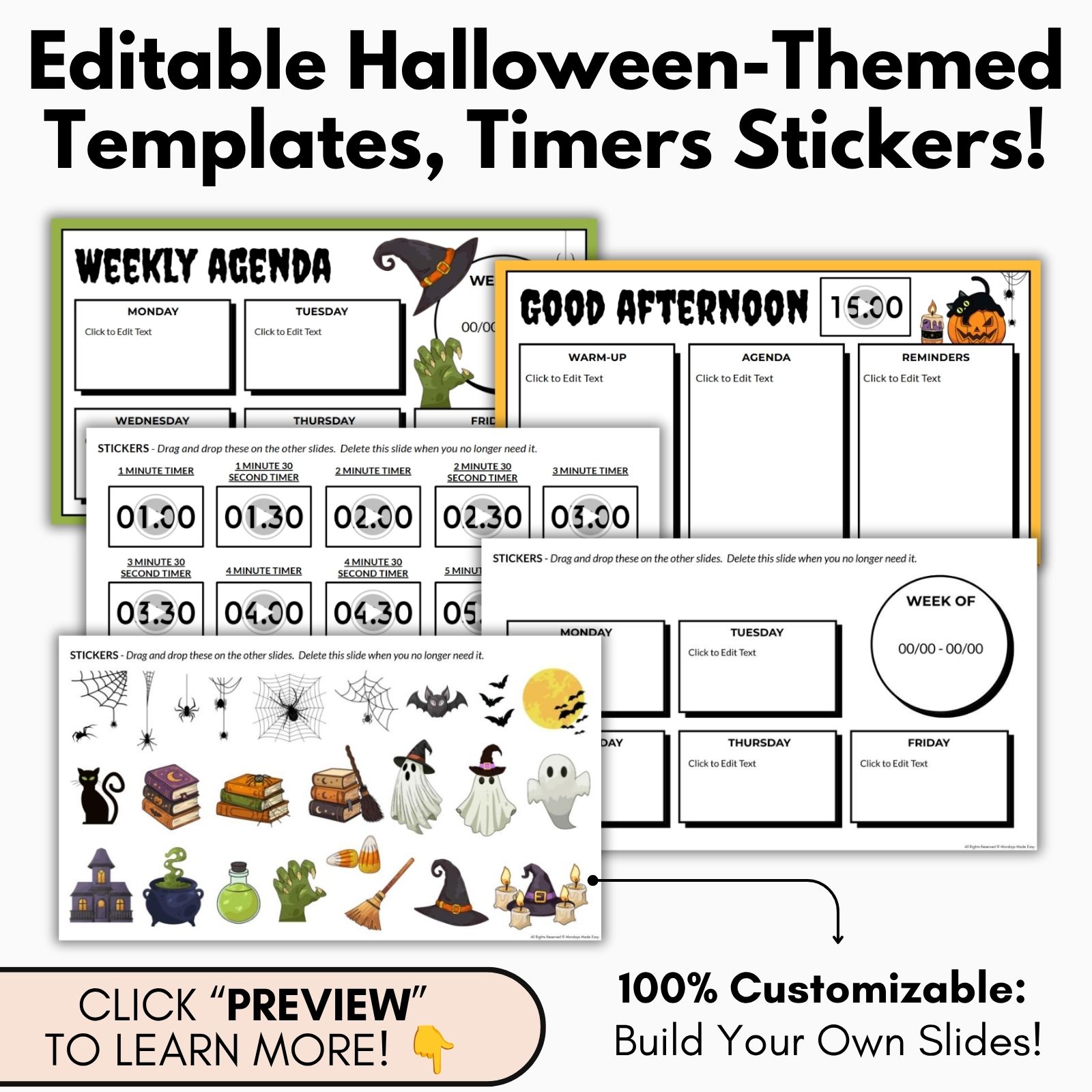
The customizable stickers include:
- Today’s Date
- Week at a Glance
- Agenda
- Notes
- Reminders
- Homework
- Birthdays
- Upcoming Events
- Upcoming Holidays
- Important Dates
- Learning Goal
- Instructions
- Phone mockup
- Blank notepads and sticky notes
- Halloween-themed elements – pumpkins, ghosts, bats, spiders, and more
- Halloween-themed fonts for titles – “Happy Halloween”, “Good Morning”, “Good Afternoon”, “Welcome”, “Weekly Agenda”, and more
The variety of stickers allows you to build an agenda that includes both essential classroom information and fun seasonal decorations. Use the Today’s Date and Week at a Glance stickers to help students stay oriented, while the Learning Goal and Instructions sections can communicate the academic purpose of the lesson. Notes, Reminders, Homework, and Important Dates can help students keep track of their responsibilities. The Halloween-themed elements can then be added to create a cohesive seasonal appearance without requiring you to search for additional graphics or design elements. This makes Halloween Daily Agenda Slides a practical combination of classroom organization and festive visual design.
The Halloween graphics can also be mixed and matched to create different looks throughout the month. You might use pumpkins and bats for one lesson, ghosts and spiders for another, or combine several elements for a special Halloween celebration. The themed title fonts can be used for morning messages, afternoon announcements, weekly overviews, and special-event slides. Because the stickers are customizable, you can create slides that feel unique to your classroom while still maintaining a consistent overall design. This allows Halloween Daily Agenda Slides to remain engaging without becoming repetitive throughout the Halloween season.
The countdown timers include the following durations:
1 minute, 1 minute 30 seconds, 2 minutes, 2 minutes 30 seconds, 3 minutes, 3 minutes 30 seconds, 4 minutes, 4 minutes 30 seconds, 5 minutes, 6 minutes, 7 minutes, 8 minutes, 9 minutes, 10 minutes, 15 minutes, 20 minutes, 25 minutes, 30 minutes, 34 minutes, 40 minutes, 45 minutes, 50 minutes, 55 minutes, and 60 minutes.
The wide range of timer options makes it easy to manage everything from quick transitions to extended independent work periods. Use shorter timers for bell work, classroom cleanup, partner discussions, or movement between stations, or choose longer durations for reading, writing, group projects, and independent assignments. A visible countdown gives students a clear indication of how much time remains and can encourage them to stay focused and manage their time effectively. Timers can also make classroom transitions smoother by giving students a consistent expectation for when an activity should begin or end.
The countdown timers are particularly useful when you want your Halloween Daily Agenda Slides to become more interactive. Instead of simply displaying a list of activities, you can use the timers to help students move through each part of the lesson at an appropriate pace. Set a timer for a warm-up, group discussion, station rotation, writing activity, or classroom challenge. The visual countdown can help students understand the pace of the lesson and reduce repeated questions about how much time is left.
Overall, these Halloween-themed Google Slides® daily agenda templates provide a practical way to combine classroom organization with seasonal creativity. Instead of creating new agenda slides every morning, you can customize reusable layouts, add your daily information, and incorporate visual elements that make your classroom materials more engaging. The flexible frameworks, editable stickers, and extensive timer options allow you to create a system that works for your specific teaching routines. Whether you are planning a regular lesson, a gallery walk, a literacy activity, or a special Halloween event, these Halloween Daily Agenda Slides give you an easy way to keep students informed, organized, and engaged throughout the Halloween season.
With editable designs and multiple ways to use the templates, these Halloween Daily Agenda Slides can also become a reusable part of your October classroom routine. Prepare your favorite layouts in advance, duplicate them for each day, and update only the information that changes. This simple workflow can save preparation time while giving students a consistent visual reference for their daily learning. The combination of practical organization tools and festive Halloween elements makes these templates a useful resource for teachers who want to create structured, engaging, and visually appealing classroom routines.
✨ Kindly note that due to copyright restrictions, these resources are not editable, except for the files specifically labelled as editable. This is a common practice within the online marketplace in order to protect the clip artists and software providers that have authorized their intellectual property for the development of this resource.
⭒ For classrooms utilizing Google Classroom® ⭒
To access the digital version of these worksheets, simply follow the instructions within the resource to copy the files directly to your Google Drive®.