
Description
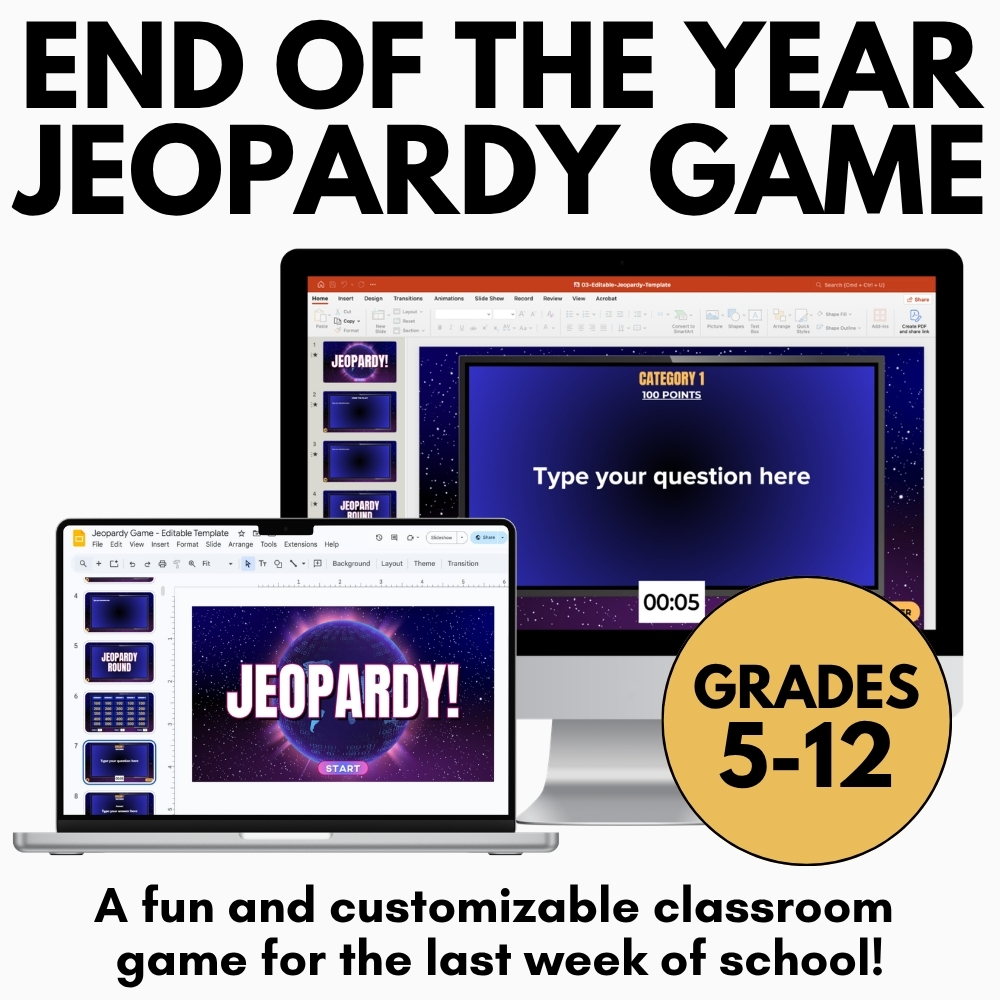
It’s the end of year, and everyone’s checked out. This end of year jeopardy game gives your class something worth competing for, built around the one topic your students will have mastered: their own school, teachers, classmates, and year! This game includes three full rounds of gameplay, a built-in score tracker, multiple countdown timers, and a fully editable blank template for whenever you want to run it again with custom content. Available in both PowerPoint® and Google Slides®!
Included with this End of the Year Jeopardy Game:
- Jeopardy Game: How Well Do You Know Your School? – PowerPoint® & Google Slides®
- Editable Jeopardy Template – Google Slides®
- Teacher Instructions for Using These Resources
How to Use This End of Year Jeopardy Game:
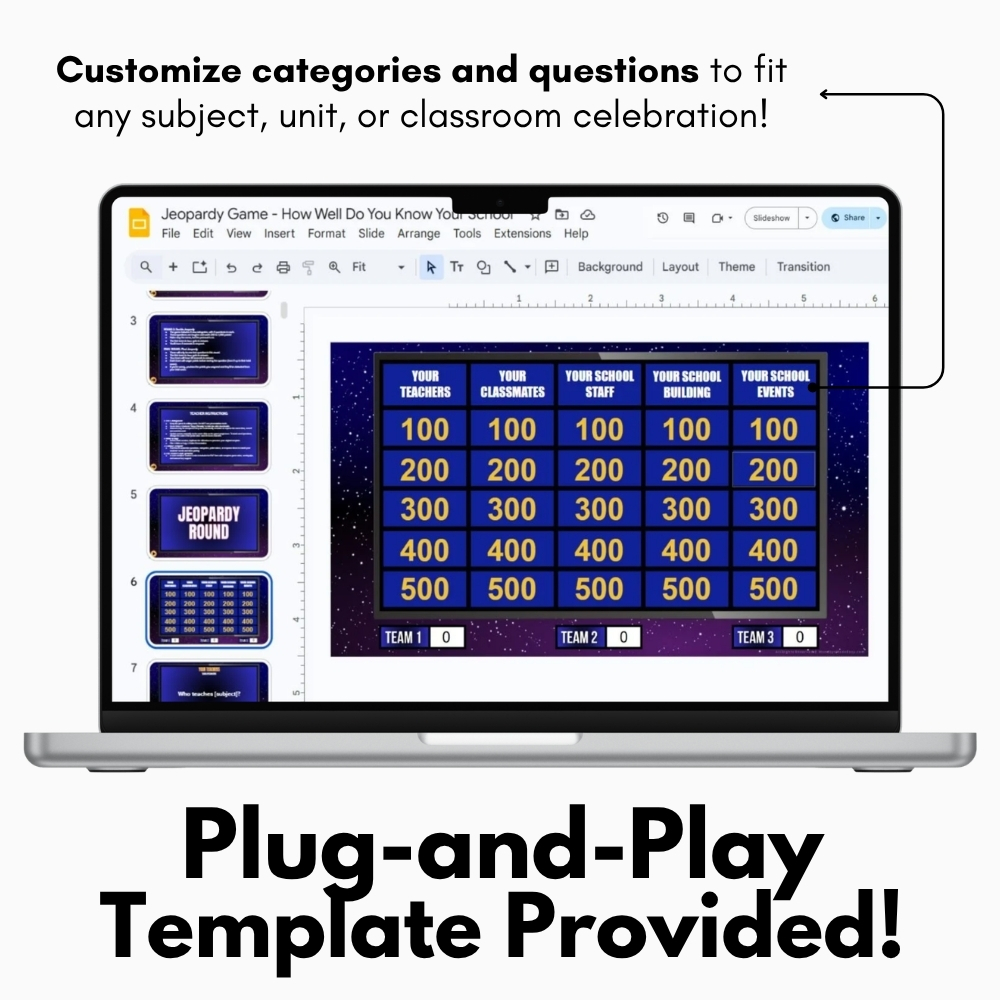
This end of the year game works for any secondary grade level, any subject area, and any class period. The game runs three rounds – the Jeopardy Round, Double Jeopardy, and Final Jeopardy – and is built so that most of the heavy lifting is already done for you. Round 1 uses five pre-written school-themed categories covering your teachers, your classmates, your school staff, your school building, and your school events. Round 2 is fully blank so you can add your own questions for any subject, theme, or occasion.
This Jeopardy Game is designed to help teachers close out the school year with a fun, high-energy activity that encourages participation from every student in the classroom. Instead of preparing a completely new review activity, you can rely on this ready-to-use Jeopardy Game to spark conversation, laughter, and friendly competition. The familiar format makes it easy for students to jump right in, while the customizable elements ensure that the content can match your class culture and curriculum. Because the structure of the Jeopardy Game is already organized into clear rounds and categories, teachers can focus on enjoying the moment with their students rather than worrying about managing the activity.
First, open the Jeopardy Game: How Well Do You Know Your School? and swap out the bracketed placeholders in Round 1 with your school’s actual details: things like teacher names, room numbers, club advisors, and school events. Most questions need only a single word or name filled in, so this step takes under 10 minutes if you know your school well. This quick customization step allows you to transform the Jeopardy Game into a personalized classroom experience that students will instantly recognize and enjoy. By inserting familiar names and locations, the Jeopardy Game becomes more than just a review activity—it turns into a celebration of the shared experiences students have had throughout the year. Students often become excited when they see references to their favorite teachers, memorable school events, or inside jokes related to the school community. Because the editing process is so simple, you can update the Jeopardy Game even minutes before class begins, making it a convenient option for busy teachers who want a meaningful end-of-year activity without extensive preparation.
You can add your own questions to Round 2. This round is formatted with empty categories and question fields you can type directly into to customize for your subject area, class culture, and/or teachable content. The customizable second round makes this Jeopardy Game extremely versatile for teachers across all subjects. Whether you teach English, science, social studies, mathematics, or another subject entirely, you can adapt the Jeopardy Game to reinforce the specific skills and concepts your students learned throughout the year. Many teachers use this round as a content review before exams, while others use it as a reflective activity highlighting important moments from the class. Because the categories and questions are fully editable, you can tailor the Jeopardy Game to match the level of your students and the pacing of your curriculum.
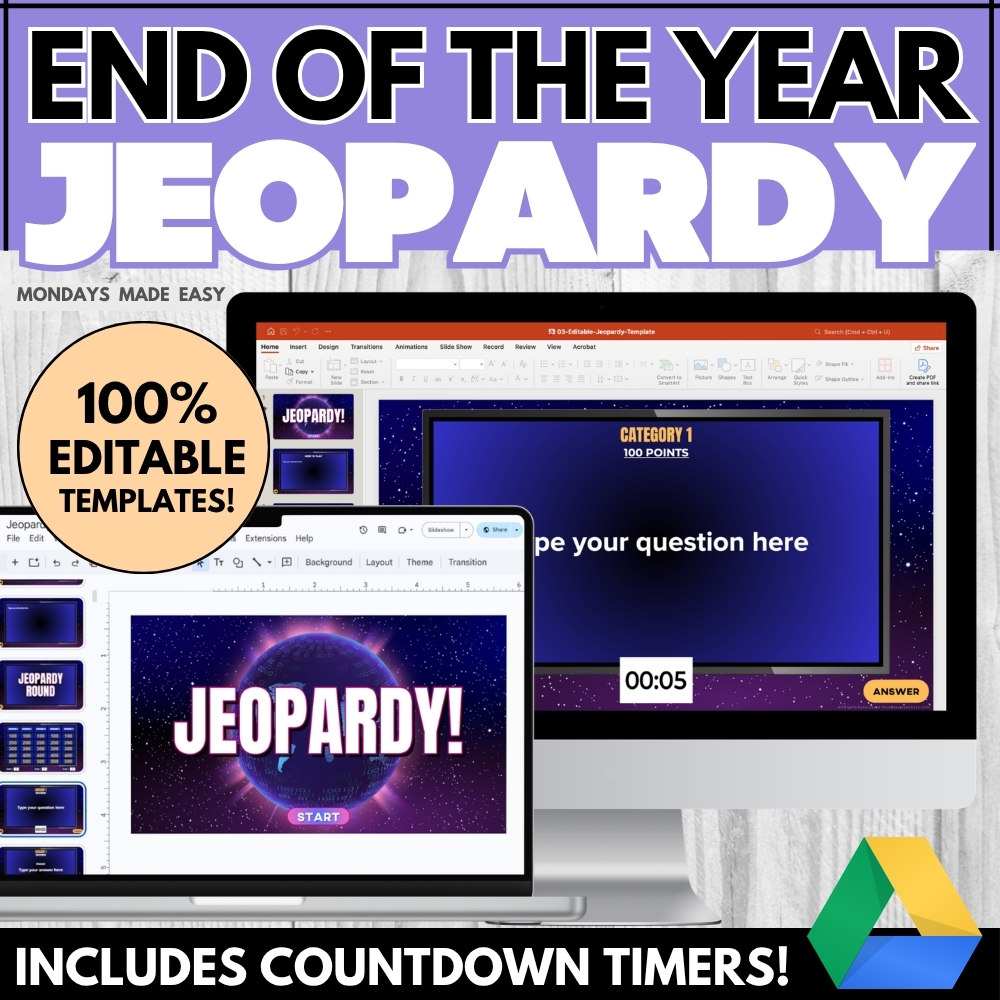
You can choose from two flexible gameplay formats: an animated PowerPoint® version and a Google Slides® version. Each option accommodates different settings to meet your classroom needs. Offering two versions of the Jeopardy Game ensures that teachers can use the resource regardless of the technology available in their classrooms. Some schools rely heavily on Microsoft PowerPoint®, while others prefer cloud-based tools like Google Slides®. By including both options, the Jeopardy Game remains accessible and easy to implement in a variety of educational environments. Teachers can simply choose the version that works best with their classroom setup, ensuring that the activity runs smoothly without technical obstacles.
The animated PowerPoint® version features clickable slide navigation and answer reveals that mimic the traditional Jeopardy experience. As students select a question, the facilitator can click to reveal the prompt and then the answer. This version is ideal for classrooms with access to Microsoft PowerPoint® and allows for an exciting and interactive experience. This version of the Jeopardy Game closely mirrors the familiar television format that many students already recognize. The animated transitions and clickable navigation create a polished, game-show style presentation that builds excitement in the room. When students choose a question category and point value, the Jeopardy Game immediately reveals the prompt in a way that feels dynamic and engaging. Teachers can also reveal answers with a simple click, maintaining the suspense and pacing that makes the Jeopardy Game so entertaining. The interactive design helps students stay focused while encouraging enthusiastic participation from the entire class.
If you do not have access to Microsoft PowerPoint®, you can use the Google Slides® version. Please note that this version must be played in editing mode. This format allows you to drag icons to track completed questions and manually reveal answers during gameplay. The Google Slides® version of the Jeopardy Game provides a flexible alternative that works seamlessly within Google Workspace classrooms. Teachers can project the slides while students choose categories, and the facilitator can drag icons or shapes to mark which questions have already been used. Although the animations differ slightly from the PowerPoint® version, the Google Slides® Jeopardy Game still delivers the same interactive and competitive experience. Because many schools already rely on Google tools, this format allows teachers to quickly share or duplicate the Jeopardy Game within their digital classroom environment.
Use the built-in countdown timers (available in 3, 5, 10, 15, 30, 45, and 60-second options) to keep the pace tight and the energy high between rounds. These timers add an extra layer of excitement to the Jeopardy Game by encouraging students to think quickly and collaborate under pressure. Teachers can select different countdown lengths depending on the difficulty of the questions or the pace of the class. The timers also help keep the Jeopardy Game moving efficiently, ensuring that every round fits comfortably within a single class period. By maintaining a steady rhythm throughout the activity, the Jeopardy Game becomes a lively and memorable way to celebrate the end of the school year while reinforcing classroom community and shared memories.
Note that this resource is licensed for personal classroom use only and may not be used for any commercial purpose. Creating a game or product using this material for resale is a direct violation of copyright law. Unauthorized commercial use will result in legal action. Thank you for respecting these terms.
✨ Kindly note that due to copyright restrictions, these resources are not editable, except for the files specifically labelled as editable. This is a common practice within the online marketplace in order to protect the clip artists and software providers that have authorized their intellectual property for the development of this resource.
⭒ For classrooms utilizing Google Classroom® ⭒
To access the digital version of these worksheets, simply follow the instructions within the resource to copy the files directly to your Google Drive®.