Description
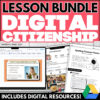
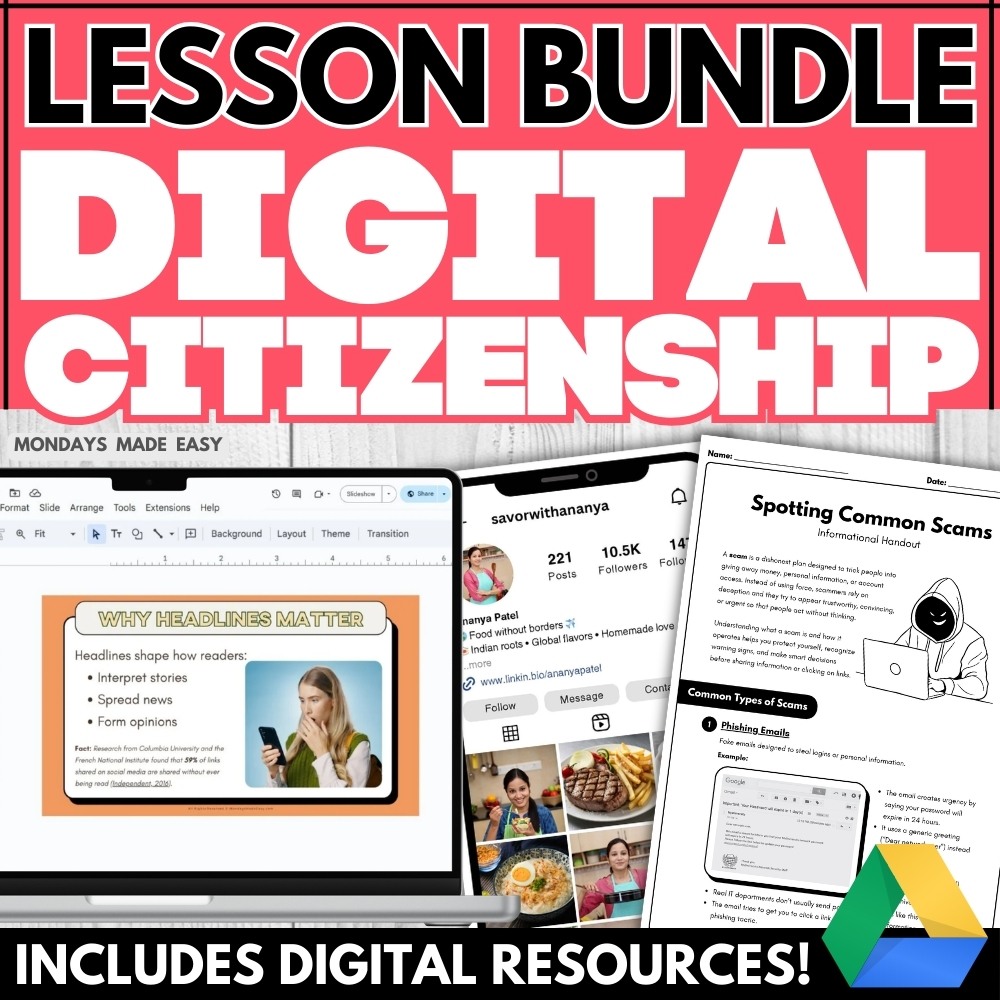
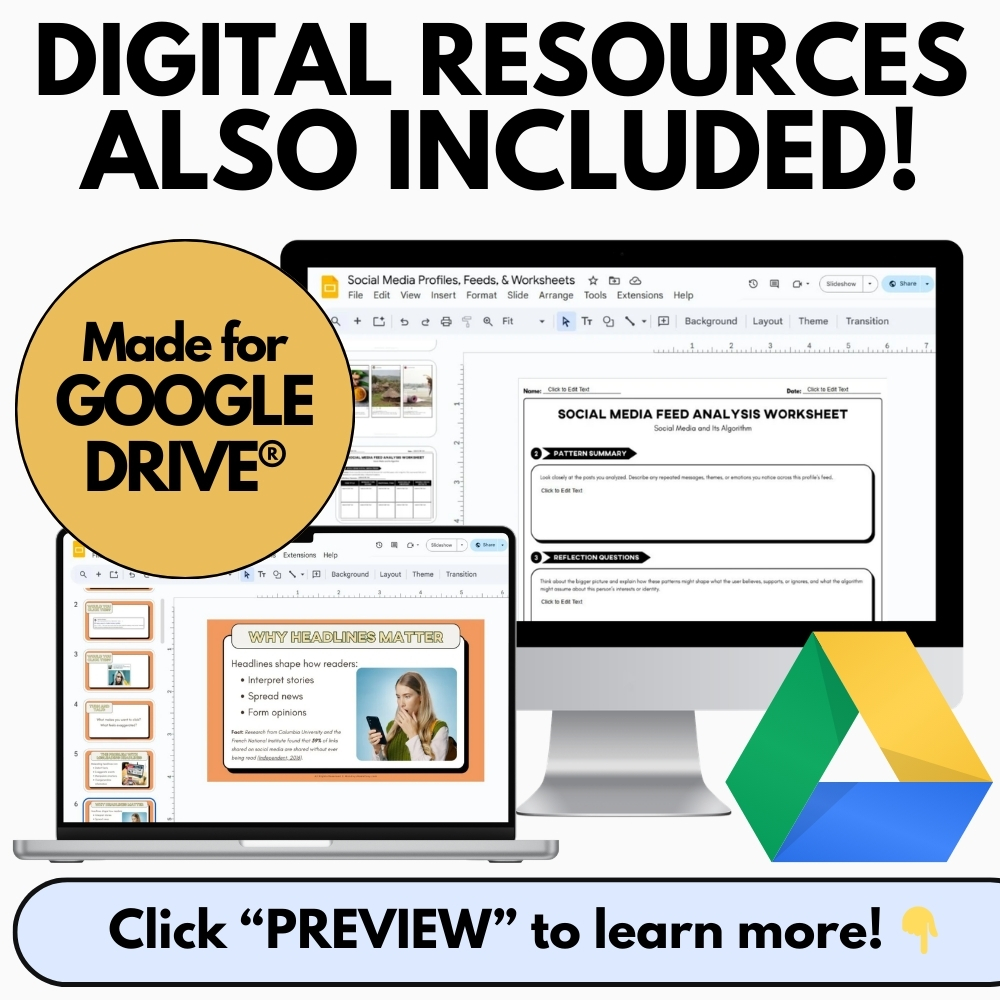
Are your students navigating social media without media literacy skills and an understanding of misleading headlines, bias, internet scams, and their digital footprint? This digital citizenship unit explores everything you need to teach digital safety and media ethics to middle and high school students. Includes digital resources for Google Drive®!
Included with this Digital Citizenship Lesson Pack:
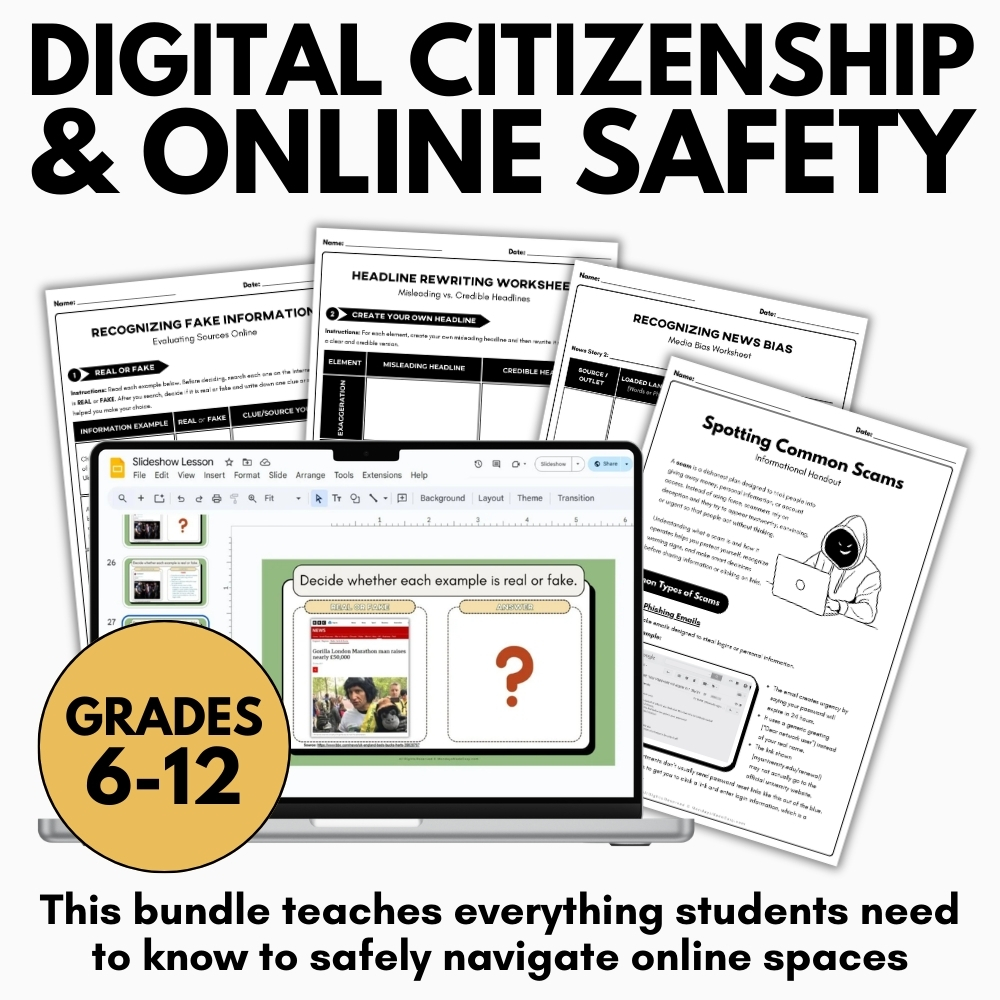
- 3 Interactive Slideshow Lessons – Google Slides®, Powerpoint, and PDF
-
- Explore fake news, media bias, and online scams with these vibrant and engaging slideshow lessons
- Detailed Informational Handbooks – Ready-to-Print
-
- Provide students with reference materials to help them spot misleading headlines, identify misinformation, navigate echo chambers, and protect their digital footprint
- Help students protect their digital footprint and avoid online scams with guidelines for digital boundaries and safe conduct on the internet
- Application Activities, Graphic Organizers, and Reflection Questions – Digital & Print
-
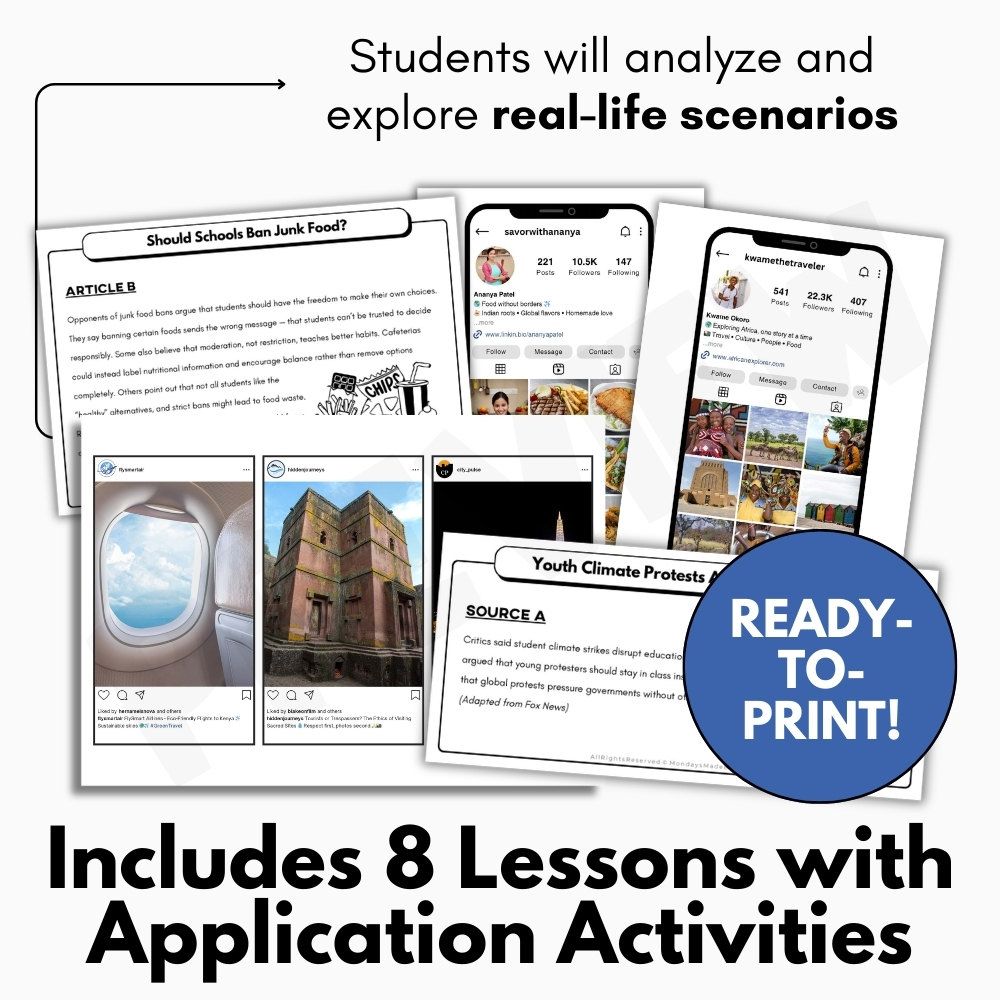
- Simulate social media experiences like algorithms and echo chambers with curated, ready-to-use social media profiles and feed posts
- Practice rewriting biased headlines, identifying misinformation, and spotting common online scams with activities that foster critical thinking skills
- Reflect on digital citizenship and media ethics with reflection questions that explore the permanence and impact of students’ digital footprints
- Answer Keys and Example Answers – Digital & Print
- Teacher Instructions for using these resources
Resources in this Bundle of Lessons for Digital Citizenship Lesson:
Help students identify misleading headlines and analyze bias in news reports with this media literacy lesson! Teach students how to recognize misinformation, apply media conventions, and evaluate headlines for bias and accuracy. This resource offers a practical, hands-on approach to understanding bias and misinformation in everyday media.
Teach students to identify online scams and protect their personal information with this internet safety and digital citizenship lesson. This media literacy resource includes interactive activities to help students recognize scam messages and understand safe online practices. This activity supports key outcomes in media literacy and digital citizenship by helping students understand how to protect themselves and others from misinformation and fraud in digital spaces.
Help students distinguish credible sources from fake news with this misinformation and media literacy activity. Teach fact-checking, online research, and digital source evaluation. This resource promotes digital citizenship and media literacy skills that are essential to navigating today’s online information landscape.
Teach digital citizenship through social media literacy! This engaging lesson explores how algorithms influence online experiences. Students examine bias, credibility, and curated digital content. This lesson deepens understanding of bias, misinformation, and the mechanics behind digital media consumption.
Explore how confirmation bias and echo chambers influence online behavior with this engaging media literacy lesson. Students will examine digital citizenship through debate, critical thinking, example articles, and collaborative discussion. The debate activity included with this lesson reinforces media literacy skills through research, reasoning, and respectful dialogue.
Teach students how to detect media bias with this engaging media literacy lesson. Through article comparisons, students will evaluate tone, word choice, and framing across news outlets to build digital citizenship skills and identify misinformation. This lesson builds essential digital citizenship and media literacy skills by helping students critically evaluate the reliability and tone of media sources in an age of misinformation.
Do your students understand the permanence and impact of their digital footprint? Teach digital citizenship with this digital footprint lesson! Students will analyze real-life scenarios and reflect on smarter online behavior using case studies, a graphic organizer, and prompts for depth of knowledge. This lesson supports conversations around responsible technology use and helps students take ownership of their digital presence with confidence.
Teach digital citizenship and online safety with this engaging mini-lesson and scenario-based activity! Students will reflect on respectful posting, digital boundaries, and safe online habits using guided prompts and real-life situations. This lesson aligns with digital
✨ Kindly note that due to copyright restrictions, this resource is not editable, except for the files specifically labelled as editable. This is a common practice within the online marketplace in order to protect the clip artists and software providers that have authorized their intellectual property for the development of this resource.
⭒ For classrooms utilizing Google Classroom® ⭒
To access the digital version of these worksheets, simply follow the instructions within the resource to copy the files directly to your Google Drive®.