

Description
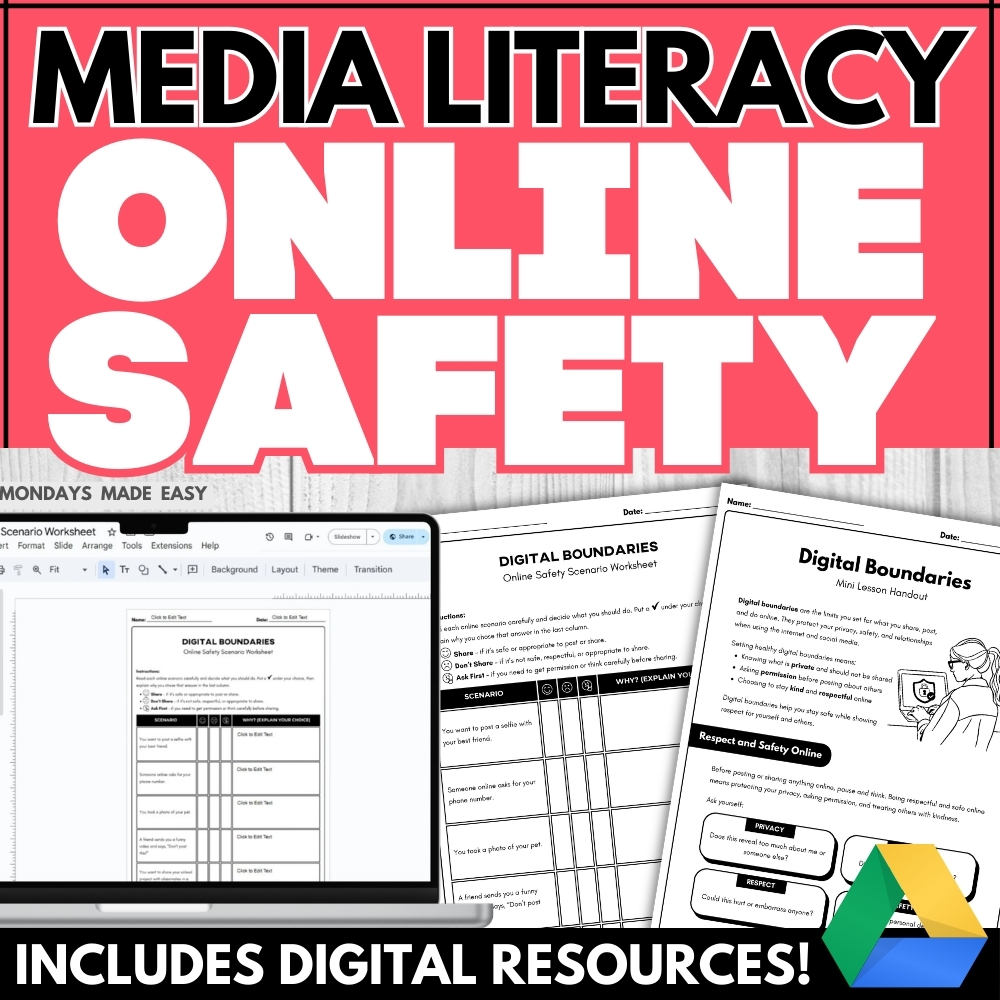
Teach digital citizenship and online safety with this engaging mini-lesson and scenario-based activity! Students will reflect on respectful posting, digital boundaries, and safe online habits using guided prompts and real-life situations. Includes digital worksheets for Google Classroom®!
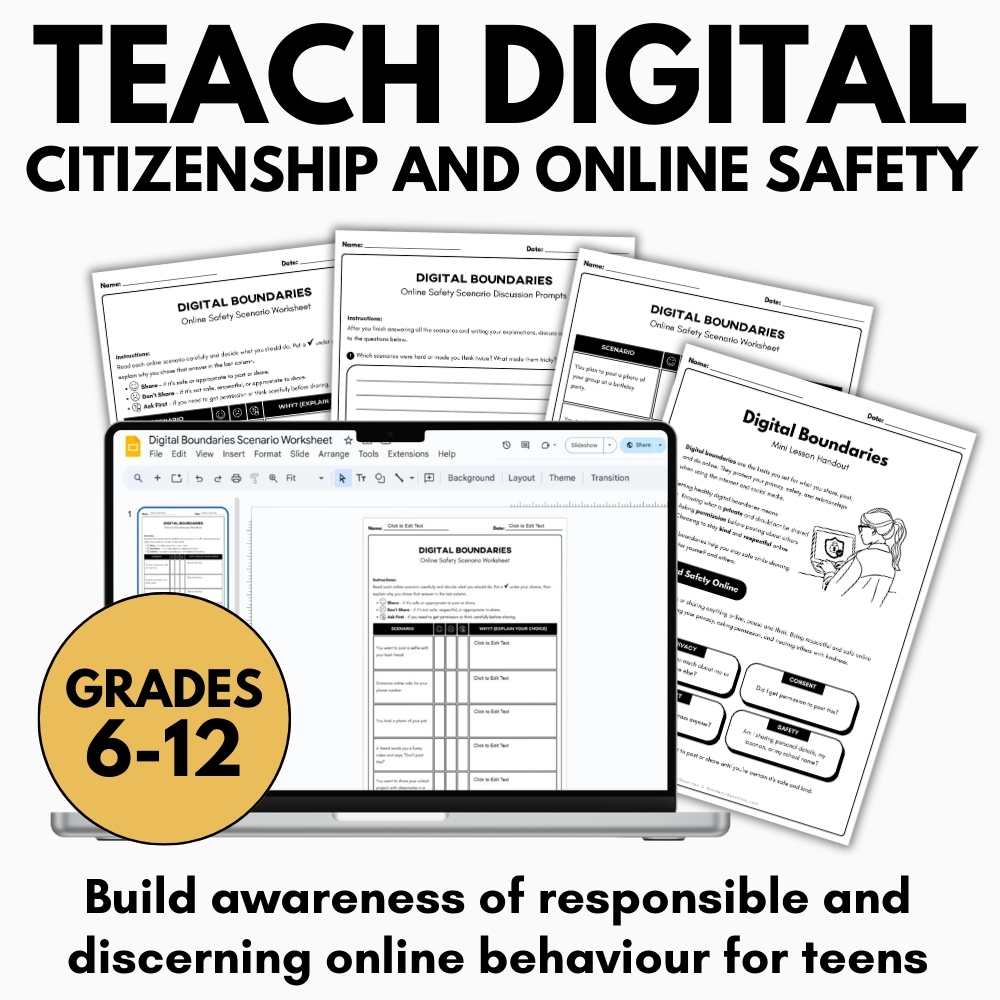
Included with this Digital Boundaries and Online Safety Lesson:
- Digital Boundaries Mini-Lesson Informational Handout
- Online Safety Scenario-Based Worksheets – Digital & Print
- Digital Boundaries Discussion Prompts – Digital & Print
- Student Samples for modeling responses
- Teacher Instructions for using these resources
How to Use These Online Safety Lesson:
This lesson aligns with digital citizenship goals and can be used as a standalone activity or integrated into broader units on online safety, health, or media literacy.
At its core, this lesson is designed to help students develop awareness, responsibility, and confidence when navigating digital environments. By focusing on Online Safety, the lesson supports students in understanding that responsible digital behavior is not only about protecting themselves but also about respecting others in shared online spaces. Because digital tools and social platforms are deeply embedded in students’ daily lives, the lesson emphasizes practical decision-making that can be applied immediately. Whether taught as part of a larger digital citizenship unit or as a focused classroom activity, the goal is to build long-term habits that support thoughtful and respectful participation online.
Begin the lesson by reviewing the Digital Boundaries Mini-Lesson Informational Handout. This short guide introduces essential concepts like digital footprints, respectful sharing, and the importance of consent before posting online. Use this handout as a springboard for class discussion or to support direct instruction.
This introductory handout establishes a clear foundation for the Online Safety lesson by defining key ideas that shape responsible digital behavior. Many students are familiar with posting and sharing content online but may not fully understand how these actions can affect others. By highlighting topics such as consent before sharing photos or messages, the handout helps students recognize that digital actions carry ethical responsibilities. Teachers can pause during the review to invite student input, asking learners to share examples of situations where digital boundaries might matter. This discussion helps students see that Online Safety is closely connected to empathy, respect, and thoughtful communication.
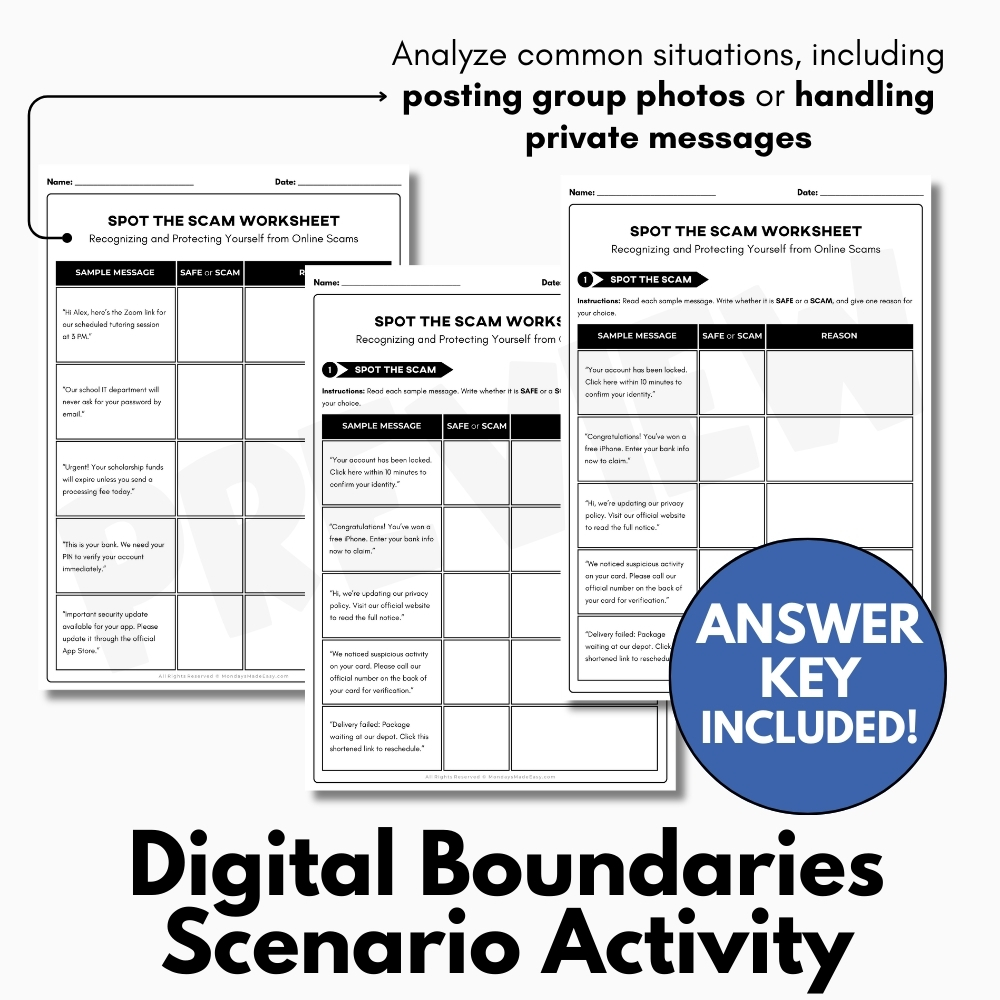
Next, assign the Digital Boundaries Scenario Worksheets. Students will analyze common online situations, including posting group photos or handling private messages, and reflect on appropriate, respectful actions. This worksheet encourages critical thinking and builds students’ awareness of boundaries in digital spaces.
The scenario worksheets provide students with an opportunity to apply Online Safety concepts to realistic situations they might encounter in their everyday lives. Rather than simply memorizing rules, students are asked to evaluate situations and determine what responsible behavior looks like in context. For example, they may consider whether it is appropriate to share a photo of friends without permission or how to respond to a private message that contains sensitive information. By analyzing these scenarios, students begin to see how digital boundaries operate in practice. This activity encourages them to pause and reflect before acting online, reinforcing the importance of thoughtful choices that support Online Safety for everyone involved.
Then, use the Online Safety Scenario Discussion Prompts to deepen students’ knowledge and understanding about digital citizenship. These discussion questions prompt students to reflect on digital habits, respect for privacy, and the lasting impact of online choices. Use them for peer collaboration, small-group discussion, or journaling.
The discussion prompts allow students to expand their understanding of Online Safety through conversation and reflection. When students talk about digital habits with peers, they often realize that others experience similar challenges and uncertainties when navigating online spaces. These discussions help normalize thoughtful decision-making and encourage students to consider how their actions may affect others. Teachers may choose to facilitate small-group discussions, whole-class conversations, or written reflections depending on the needs of the classroom. Through this process, students gain a deeper appreciation of how privacy, respect, and accountability contribute to maintaining Online Safety within digital communities.
To support modeling and assessment, this resource includes student sample responses. These examples illustrate how students can express ideas about online safety with clarity, empathy, and responsibility.
The inclusion of sample responses helps students better understand expectations within the Online Safety lesson. By reviewing examples of thoughtful answers, students can see how to communicate their ideas clearly while demonstrating empathy for others involved in digital interactions. Teachers may use these examples to highlight strong reasoning, respectful language, and careful reflection. This modeling approach helps students develop confidence in expressing their own perspectives while maintaining a responsible tone. Additionally, the sample responses can support peer review activities, allowing students to compare their work and refine their thinking about Online Safety practices.
Taken together, these components form a comprehensive learning experience that moves students from understanding to application. The lesson gradually builds awareness by introducing concepts, presenting realistic scenarios, encouraging discussion, and modeling thoughtful responses. By repeatedly engaging with the topic of Online Safety, students begin to internalize the idea that responsible online behavior requires awareness, reflection, and empathy.
Beyond the classroom, the lessons learned through this activity can influence how students interact with technology in their everyday lives. As students gain a stronger understanding of Online Safety, they become more mindful about what they share, how they communicate, and how their actions may affect others. This awareness can lead to healthier digital habits and more respectful online communities.
Ultimately, the goal of this lesson is not simply to warn students about potential risks, but to empower them with the knowledge and judgment needed to make responsible choices. By strengthening understanding of boundaries, consent, and respectful communication, the Online Safety lesson helps students develop the skills necessary to navigate digital environments with confidence and care. Over time, these skills contribute to stronger digital citizenship and a more thoughtful approach to technology use in both personal and academic contexts.
✨ Kindly note that due to copyright restrictions, this resource is not editable, except for the files specifically labelled as editable. This is a common practice within the online marketplace in order to protect the clip artists and software providers that have authorized their intellectual property for the development of this resource.
⭒ For classrooms utilizing Google Classroom® ⭒
To access the digital version of these worksheets, simply follow the instructions within the resource to copy the files directly to your Google Drive®.